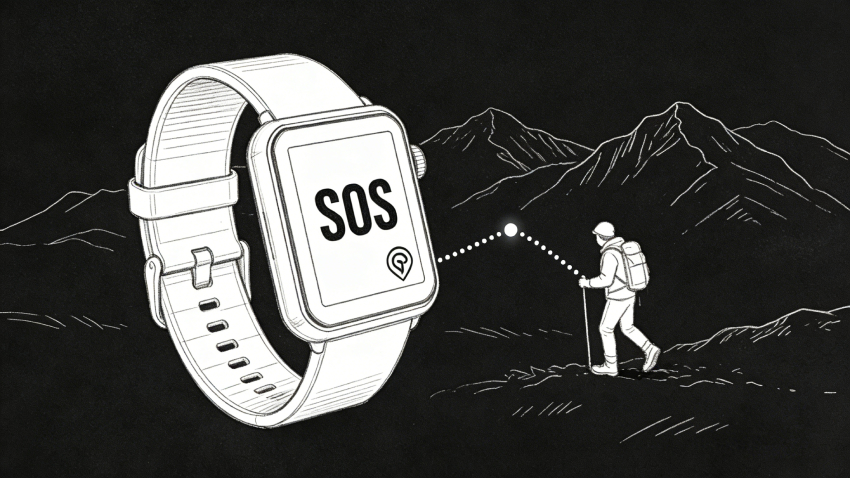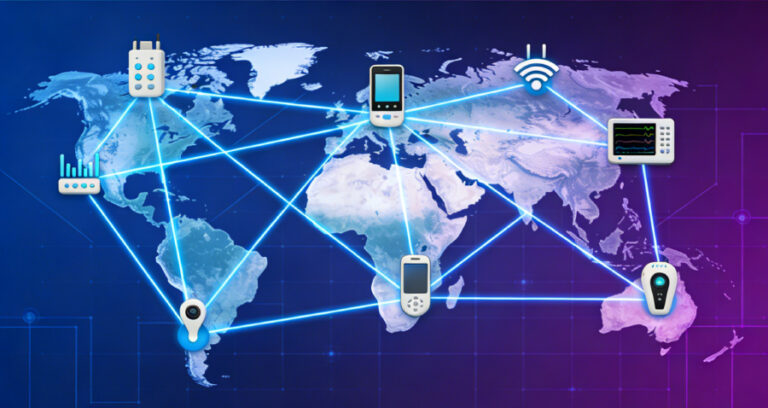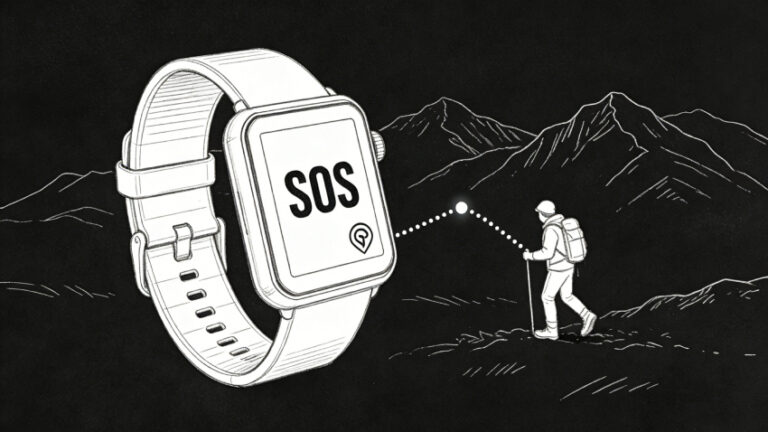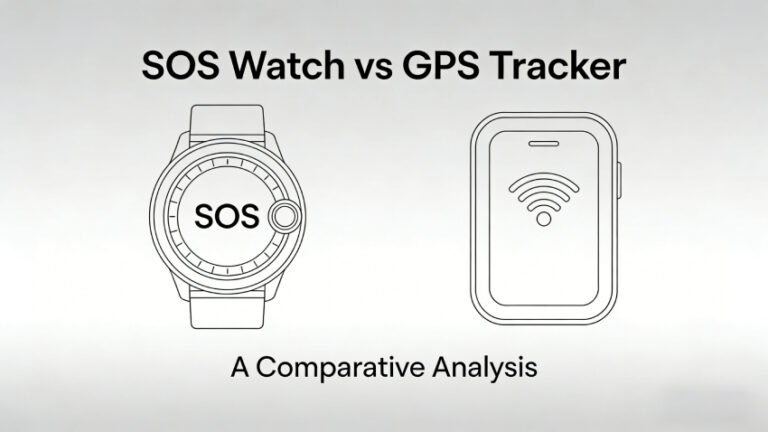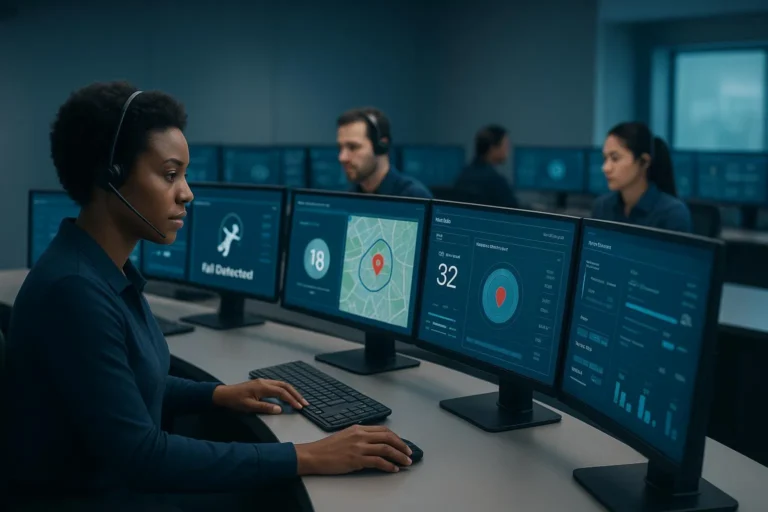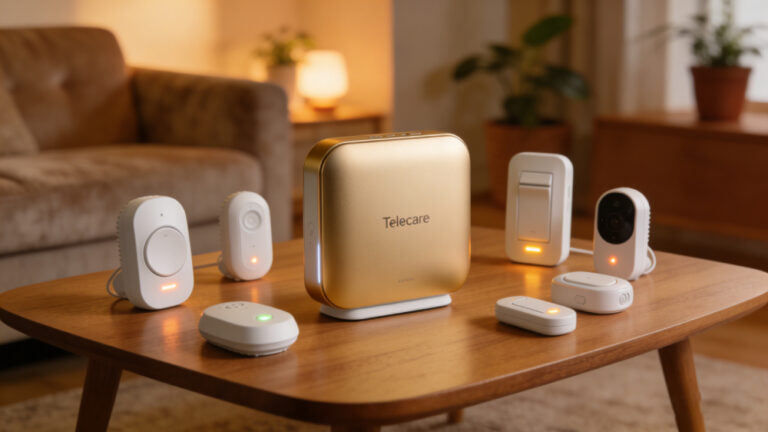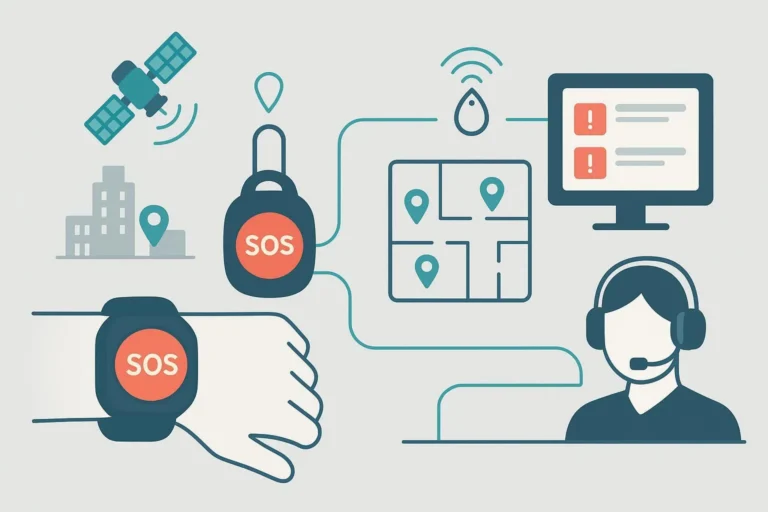
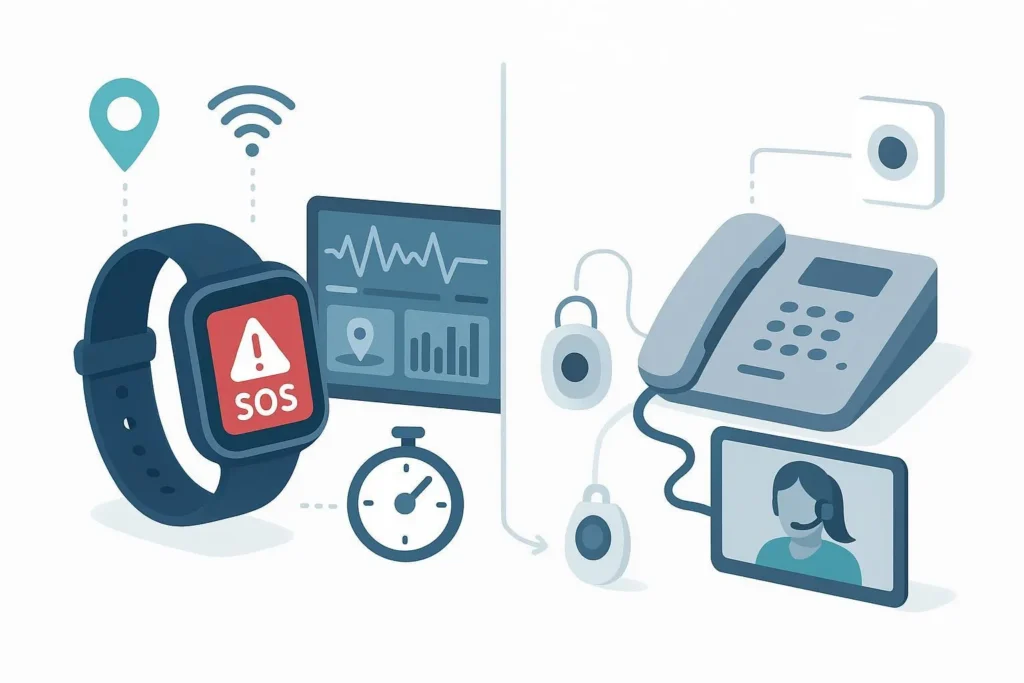
When the business KPI is shaving seconds off alarm-to-operator engagement and improving verified dispatches, form factor and integration matter. In home-based, direct-to-monitoring-center deployments, smart SOS watches (mPERS) typically verify incidents faster for mobile seniors because they combine on‑wrist two‑way audio with GPS/Wi‑Fi/BLE context sent to the operator console. Traditional medical alert solutions (pendants, landline base stations, and wall buttons) still make sense for largely homebound users with reliable landlines and caregivers nearby, and they usually cost less month to month.
Smart SOS watch vs traditional medical alert: side-by-side
Below is a category-level comparison focused on home senior mPERS direct-to-monitoring-center use. It emphasizes mechanisms that influence alarm-to-response time and closure rate rather than unverifiable stopwatch claims.
| Dimension | Smart SOS Watches (mPERS) | Traditional Medical Alerts (pendant + landline base/wall buttons) |
|---|---|---|
| Alarm-to-response mechanisms | On‑wrist SOS/fall triggers route voice and location to the ARC; fewer hops, faster verification dialogue. | Pendant triggers base unit; operator may lack precise location and often needs more clarifying questions. |
| Location accuracy & context | Hybrid positioning (GPS outdoors; Wi‑Fi/BLE indoors) plus user/device metadata can reach ARC consoles. | Typically room/home-level only; no GPS. Wall buttons are fixed; pendants rarely convey precise coordinates. |
| Two‑way voice quality | Conversation happens on the wrist anywhere with coverage. | Conversation is anchored to the base; if the user is far from the base, audio may be compromised. |
| Connectivity resilience | Cellular-first with options for Wi‑Fi assist; some platforms support roaming/fallbacks. | Landline (and sometimes cellular dialers) in-home only; works even where wide-area cellular is weak, but no mobility. |
| ARC integration & tooling | Modern APIs/webhooks and mapping links; device management with remote configuration/FOTA common. | Legacy dial-up/DTMF and voice-based signaling; simpler but less data-rich; integrations often limited. |
| Battery & power UX | Needs charging/swapping cadence; low-battery alerts and docks help adherence. | Base is mains-powered; pendants often have multi-month coin cells; minimal user action required. |
| Adherence & wearability | Watch form factor can feel familiar and less stigmatizing; water resistance supports all‑day wear. | Pendants are light and long-lasting, but some users under-wear them or remove at home for comfort. |
| Fall detection behavior | Available on many watches; performance varies by model and tuning. | Available on some pendants/base units; also varies; often lacks mobility context. |
| TCO (as-of 2026, typical ranges) | Higher monthly service; more value for mobile users and integration-first fleets. | Lower monthly service; good for homebound users; fewer mobility benefits. |
| Compliance & privacy posture | Modern platforms often offer audit trails, consent flows, and data controls suitable for healthcare partners. | Simpler data flows reduce exposure, but fewer options for granular auditing and remote fleet governance. |
Best-fit scenarios (quick rules of thumb)
- If your seniors regularly step beyond the home (yard, mailbox, short errands), choose a smart SOS watch: on‑wrist audio plus GPS/Wi‑Fi/BLE typically shortens verification and improves dispatch accuracy.
- If the user is largely homebound with a reliable landline and caregivers nearby, a traditional system is cost-effective and operationally simple.
- If integration with your existing ARC/platform and fleet operations is critical, modern mPERS platforms are usually the smoother path (clean GPS payloads, mapping links, FOTA, and admin tooling).
- If cellular coverage is extremely weak or restricted, traditional landline/wall-button setups avoid wide-area mobile dependencies.
Alarm-to-response time: why watches often verify faster
What reliably trims time is not a single specification—it’s the end-to-end workflow. Smart SOS watches trigger an event, deliver rich context (coordinates, device ID, battery), and open two‑way voice on the wrist, so operators can confirm needs without asking a long series of location questions. Digital telecare guidance such as the Telecare Services Association’s application notes for BS 8521‑2:2020 explains how structured, standards-aligned signaling (e.g., SIP/SIMPLE messaging to ARCs) streamlines alarm handling and resilience. See the TSA’s 2024 application guidance in “BS 8521‑2 application guidance” (2024) for how alarms and non-voice data flow to an ARC in modern deployments.
Traditional in-home systems do get alarms through quickly—especially over stable landlines—but operators often lack precise location, leading to extra back-and-forth or reliance on neighbors/caregivers. In practice, shaving even a minute of clarification can lift closure rates because the operator moves sooner from “Where are you?” to “What happened and what help is needed?”
Location accuracy and context delivery
mPERS watches blend GPS (outdoors) with Wi‑Fi and sometimes Bluetooth beacons indoors to keep location continuity across the home and immediate surroundings. That context, paired with user/caregiver notes and battery status, can appear in the monitoring console, reducing guesswork during stressful moments. For a solution-oriented overview of hybrid positioning and senior risk management, see Eview’s “The Elderly Telecare Solution” page, which outlines GPS + Wi‑Fi + BLE approaches and geofencing examples in a practical context: “Elderly Telecare Solution” (internal resource; updated periodically).
By contrast, traditional pendants and wall buttons generally confirm only that “an alarm occurred at the residence.” That’s useful but rarely sufficient when an incident happens in the yard, driveway, or on the way to the mailbox.
A note on fall detection evidence: hands-on tests published by consumer senior-tech reviewers show mixed but improving results across brands and models; they are useful indicators rather than lab-grade measurements. For example, The Senior List’s 2026 roundups reported simulated-fall detection rates that varied by device and scenario, underscoring the need to validate models in your own environment. See their 2026 coverage: “The 7 Best Medical Alert Systems” (updated 2026-02-08).
Monitoring center integration and operational readiness
For integration-first deployments, look for:
- Structured alarm payloads (event type, coordinates, confidence, device/user IDs) delivered via APIs/webhooks compatible with your ARC
- Mapping links that open directly to the incident location
- Fleet-scale device administration: remote configuration, firmware-over-the-air (FOTA), SIM/APN controls, audit logs
- Onboarding documentation, test sandboxes, and clear support contacts
As an operational example of end-to-end workflow and fleet management at scale, Eview describes SOS-to-operator flows and device management practices in “The Importance of SOS Watches in Employee Safety Programs” (2026-01-27, internal resource). Disclosure: Eview is our product. We reference it here only to illustrate what “well-integrated with professional monitoring workflows” can look like; always verify compatibility and evidence with your own ARC stack.
Pricing and TCO (as of 2026; subject to change)
Price bands vary by provider, promotions, and add-ons like fall detection.
- Landline/in‑home systems commonly range around $24.95–$44.95 per month in the U.S., based on consumer-facing market roundups. See the National Council on Aging’s 2025–2026 overview: “Medical Alert Systems Cost” (updated 2026-02-06).
- Mobile/mPERS watches often sit around $39.95–$52.95+ per month; fall detection frequently adds $5–$12. See The Senior List’s cost snapshots within their 2026 system reviews: “The 7 Best Medical Alert Systems” (updated 2026-02-08).
TCO modeling tips: account for device price (or lease), SIM/roaming plans, monitoring fees, expected replacement and RMA rates, training, false-alarm handling labor, and the potential ops savings from FOTA and remote configuration.
Migration checklist: landline PERS to mPERS watch
- Align SLAs with your ARC (answer time targets, escalation rules) and update scripts to leverage GPS/context data.
- Pilot with a small cohort; validate coverage at home and immediate surroundings; document charging routines that fit user habits.
- Map event payloads into your ARC (coordinates, battery, user profile) and verify mapping links open cleanly.
- Train caregivers/users on when to press SOS, fall-detection caveats, and how low-battery reminders work.
- Enable remote configuration/FOTA and set up audit logs and alerts for offline devices.
Also consider: Eview (integration-first fleets)
Disclosure: Eview is our product. For organizations prioritizing ARC integration and fleet operations, Eview’s mPERS portfolio emphasizes hybrid positioning (GPS + Wi‑Fi + BLE), operational tooling (remote configuration and FOTA), and OEM/ODM pathways for branding and regional compliance. Explore solution context on the “Elderly Telecare Solution” page and the operations-focused article linked above; confirm fit with your monitoring platform.
FAQ
- How quickly do smart SOS watches alert monitoring centers vs landline systems? Public, apples-to-apples stopwatch studies are scarce after 2023. In practice, watches often enable quicker verification because operators get on‑wrist audio and location context immediately, cutting down clarifying questions. Industry guidance like the TSA’s BS 8521‑2 application notes describes how structured, digital signaling supports this flow.
- Can smart SOS watches integrate with my existing ARC? Many can. Look for APIs/webhooks that carry coordinates and user/device metadata into your console, plus FOTA and remote configuration for fleet management. Run a sandbox test before large-scale rollout.
- What’s the real cost difference? As-of 2026 U.S. ranges: landline in-home services often run ~$24.95–$44.95/month, while mobile/watch services cluster ~$39.95–$52.95+, with fall detection commonly +$5–$12. Your TCO will depend on device pricing, SIM plans, monitoring fees, replacements, and the operational savings from remote management.
- How accurate is indoor location from a medical alert watch? Quantified, peer-reviewed indoor accuracy data is limited publicly. Operationally, combining Wi‑Fi and BLE with GPS usually yields better context than landline systems, which typically lack coordinates. Validate performance in the actual homes you serve.
Choosing between a smart SOS watch and a traditional medical alert isn’t about buzzwords—it’s about your users’ movement patterns, your ARC’s integration posture, and the KPI that matters most: faster, better-verified responses. If that’s your north star, test a watch-based mPERS pilot with your monitoring workflows and measure the difference in real cases.