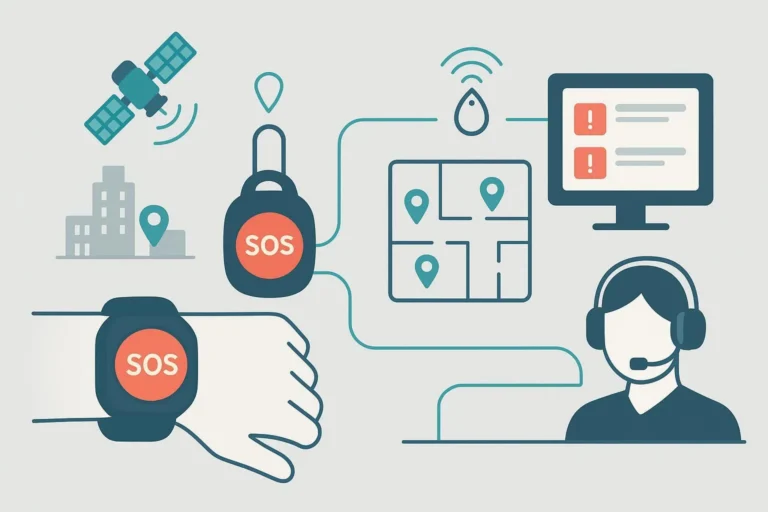
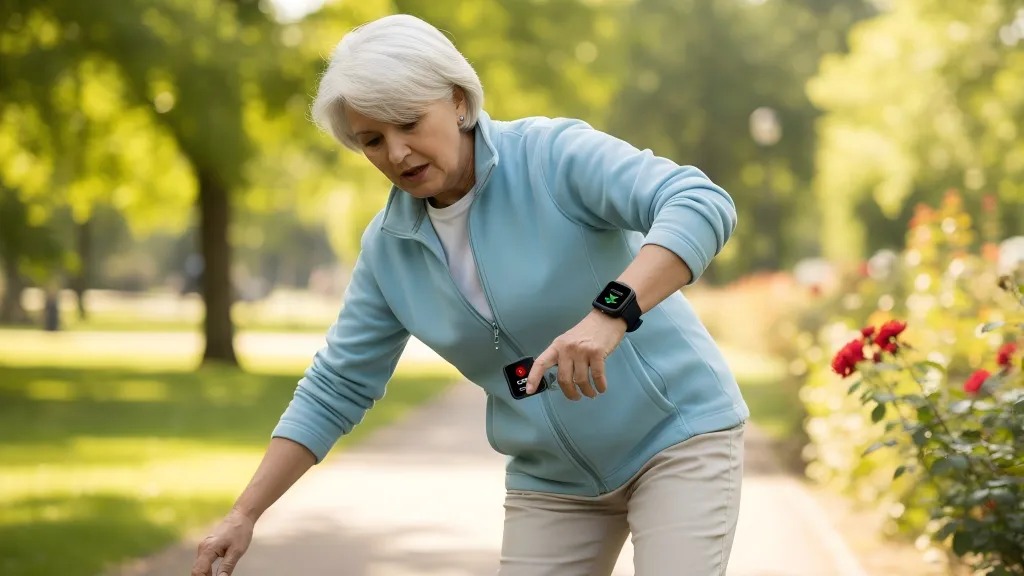
In the rapidly growing world of personal safety devices, user experience design (UX) has become a decisive factor for both end users and B2B buyers. Whether you are a telecare provider, a wearable device manufacturer, or an OEM/ODM partner, how you design usability, accessibility, and comfort directly determines product adoption, trust, and brand reputation.
This article explores what really matters when designing user-friendly safety devices—covering essential UX principles, wearable design tips, and real-world insights from leading industry practices.
Why UX Matters for Safety Devices
In high-stress moments—such as emergencies, falls, or isolation—the interface of a safety device can make the difference between a successful rescue and user frustration. Unlike general consumer gadgets, personal safety wearables are used by vulnerable groups like seniors, children, or lone workers, often under time pressure.
A well-designed UX ensures:
-
Instant comprehension: No learning curve in critical moments.
-
Fewer errors: Reduced risk of misuse under stress.
-
Trust and engagement: Users feel confident using the device every day.
A 2024 survey by Statista found that 68% of wearable users cited ease of use as their primary purchase factor—outranking battery life and price. This underscores why UX for safety devices is not a luxury—it’s a safety requirement.

Core UX Principles for Personal Safety Devices
Good UX for safety devices isn’t a single feature; it’s a holistic philosophy. Enterprises developing safety wearables must define design principles early — long before the first prototype. These principles guide consistency across platforms, hardware, and mobile apps. Investing in UX from the outset reduces long-term development costs and ensures regulatory compliance through clearer labeling and accessibility.
This section highlights the four essential principles shaping next-generation safety wearables: simplicity, glanceability, accessibility, and data transparency. These ideas form the baseline for sustainable, scalable product design that can adapt to both consumer and enterprise use cases.
1. Simplicity and Clarity
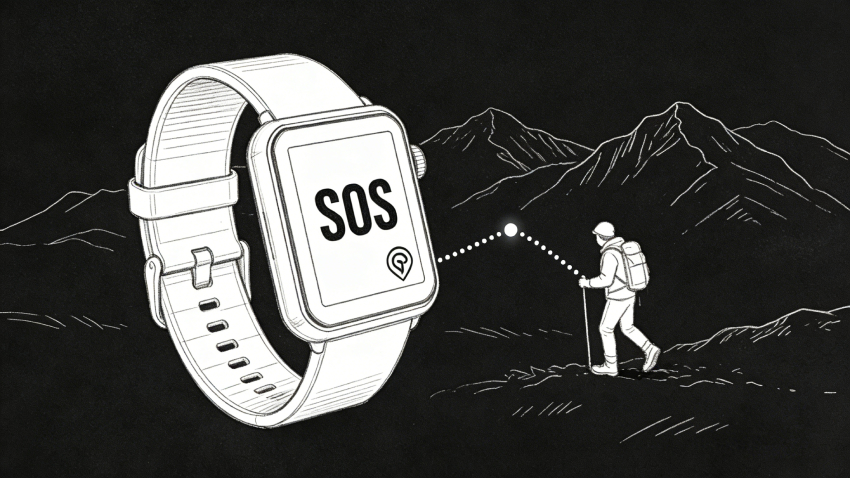
Every design decision must prioritize clarity over complexity. When seconds matter, users shouldn’t have to navigate menus or guess icons. The UI should emphasize one-touch SOS access, intuitive labels, and immediate feedback.
Tip: Use large tactile buttons and high-contrast color schemes to enhance accessibility.
2. Glanceability and Fast Feedback
Unlike phones, wearable devices are often checked at a glance. Visual hierarchy and concise alerts help users recognize critical notifications in less than two seconds. This concept—known as glanceable UX—is key to designing for real-world urgency.
3. Accessibility and Inclusivity
Safety devices serve users of all ages and abilities. That means supporting large fonts, vibration cues, voice feedback, and high-contrast text for visually impaired users. A truly accessible UX design increases trust among enterprise clients in healthcare, telecare, and senior living sectors.
4. Data Security and Transparency
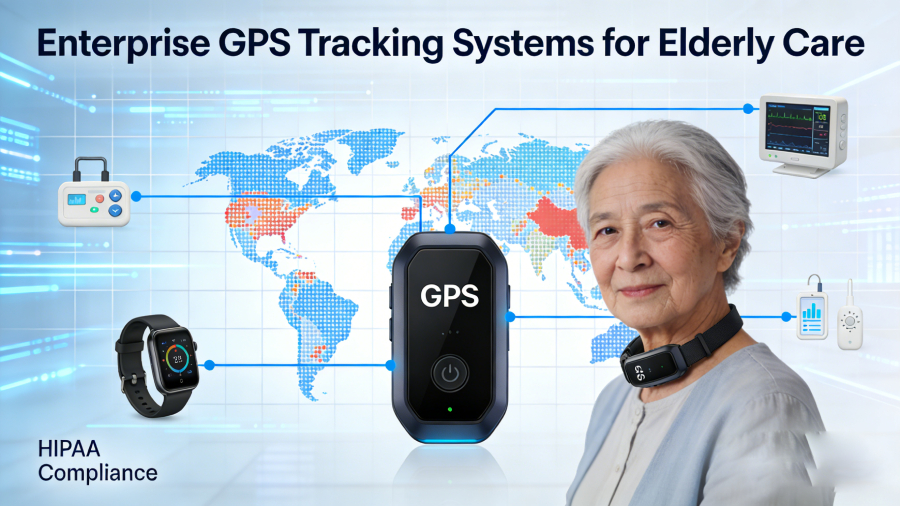
In B2B contexts, user trust extends to data privacy and compliance. UX should clearly communicate when data is being collected or transmitted, ensuring GDPR or HIPAA readiness. A “security-first” experience enhances both usability and brand reliability.
Wearable Design Tips: Building Comfort and Functionality
Hardware design is where user experience meets physical reality. For wearable safety devices, comfort, materials, and adjustability often determine daily adoption. A device that irritates the skin or feels heavy will end up unused, no matter how advanced the software.
For B2B buyers, attention to ergonomic and material detail signals product maturity and readiness for large-scale deployment. This section provides wearable design tips that bridge human factors engineering and long-term reliability, ensuring devices remain both practical and pleasant to wear.
Ergonomics for All-Day Wear
A safety device must feel natural to wear. Ergonomic design reduces fatigue and ensures that elderly or active users can keep it on 24/7. Devices that are too bulky or heavy tend to be abandoned quickly—leading to reduced retention and ROI for providers.
Example: Studies show wearables under 40g have a 22% higher daily usage rate.
Material and Adjustability
Durable yet skin-friendly materials (medical-grade silicone, soft polymer straps, anti-allergy coatings) are critical. Adjustable bands and modular clip designs allow flexibility across demographics—from children to industrial workers.
User Feedback Mechanisms
Each action—such as pressing an SOS button—should produce clear auditory, haptic, or visual feedback. A short vibration or LED flash reassures users that help is on the way, minimizing panic or repeated actions.
Cross-Device Integration
Enterprise buyers increasingly demand multi-platform compatibility. Safety devices must integrate seamlessly with mobile apps, web dashboards, or emergency response systems. Consistent UX across all platforms builds user confidence and simplifies partner integrations.

Designing Intuitive Interfaces for Emergency Response
In the B2B safety market, usability failures often appear first during crisis simulations. Devices may pass technical certification, yet still frustrate users under stress. That’s why intuitive interface design for emergency alert systems is a commercial advantage as much as a humanitarian one. Businesses need solutions that minimize training time and ensure consistent activation across thousands of units.
This section outlines how to craft interaction flows that feel immediate and foolproof — essential qualities in life-saving devices.
When designing an SOS workflow:
-
Keep activation one-step and tactile.
-
Provide confirmation through light, tone, or vibration;
-
Avoid deep menu structures.
-
Design for limited dexterity and visibility.
Streamlined UX improves both safety outcomes and organizational efficiency by reducing false alarms and user confusion.
Personalization and Context-Aware UX
Modern B2B clients increasingly expect smart adaptability rather than fixed functionality. Context-aware UX enables safety devices to respond to environmental or behavioral cues without user input. For example, a worker’s device might automatically detect falls, or a senior’s watch could issue reminders based on inactivity.
Personalization also strengthens brand loyalty. Allowing end users or administrators to adjust alert tones, vibration intensity, or reporting intervals demonstrates attention to real-world diversity. The following approaches help enterprises build flexible, human-centric safety ecosystems that scale internationally.
-
Context-Aware Alerts: Sensors detect abnormal movement or location and trigger proactive notifications.
-
Customizable Settings: Users tailor alert types and communication preferences.
-
Adaptive UX: Interfaces adjust to time of day, environment, or user capability.
Testing and Validation in Real-World Scenarios
Laboratory usability tests can’t fully predict field performance. That’s why iterative testing in realistic environments is essential:
-
Prototype Testing: Early feedback from target user groups helps identify cognitive barriers.
-
Pilot Trials: Deploy in real contexts—homes, factories, care centers—to validate design assumptions.
-
Continuous Iteration: Use analytics and support logs to improve UX post-launch.
Example Data: Devices tested across three age groups (18–35, 36–60, 60+) showed that “intuitive feedback cues” reduced activation errors by 28% on average.
For B2B buyers, documented field validation also serves as proof of reliability and compliance—a major factor in OEM partnership decisions.
Future Trends in Safety Device UX
The wearable safety market is entering an era of intelligent, connected design. Businesses that anticipate trends in AI personalization, gesture control, and low-power sustainable materials will gain a competitive edge. These innovations redefine usability while addressing enterprise priorities like scalability and compliance.
This section explores how emerging technologies will transform both user expectations and procurement standards for safety wearables.
Voice and Gesture Interaction
Voice-activated commands and discreet gesture controls allow hands-free use — critical for workers or users in hazardous environments.
AI-Driven Personalization
Machine learning algorithms optimize device behavior based on user habits, predicting emergencies and fine-tuning power efficiency.
Sustainability and Low-Power Design
Extended battery life and recyclable materials aren’t just environmental advantages; they’re hallmarks of efficient, user-friendly engineering.
B2B Considerations: From OEM Design to Market Launch
For businesses developing or sourcing wearable safety technology, UX excellence should be embedded across the supply chain:
-
R&D Collaboration: Co-design with user research teams ensures customer insight drives product form.
-
OEM/ODM Flexibility: Choose partners with in-house prototyping and certification experience.
-
Compliance Readiness: Ensure CE, FCC, and RoHS certifications are reflected in user interface language and documentation.
-
After-Sales UX: Support portals and setup guides are part of the total experience.

Companies like Eview GPS Technology exemplify this integrated approach—offering R&D, industrial design, and platform integration that align with both usability and regulatory standards.
| Device Type | Key UX Element | Outcome |
|---|---|---|
| SOS Smartwatch | One-touch alert + vibration feedback | 42% faster user response |
| Clip-On Panic Button | Large tactile surface | 35% fewer activation errors |
| Home Safety Hub | Voice command integration | 21% higher satisfaction |
These examples demonstrate that even small UX refinements can deliver measurable results—improving both user safety and enterprise ROI.
Conclusion: What Really Matters
Designing user-friendly personal safety devices isn’t just about attractive interfaces. It’s about creating technology that feels instinctive, inclusive, and trustworthy.
For B2B stakeholders, the focus should remain on:
-
Fast and error-proof emergency activation;
-
Ergonomic comfort and material durability;
-
Clear, accessible feedback systems;
-
Seamless multi-platform integration;
-
Proven compliance and reliability.
The future of UX for safety devices lies in the balance between technology and empathy—where every design decision supports the user’s instinct to feel safe and stay connected.
About Eview
Eview GPS Technology, based in Shenzhen with over 16 years of experience, is a leading provider of Personal Safety Devices and smart tracking solutions. The company designs and manufactures mPERS devices, SOS watches, smart wearables, and home safety hubs for seniors, workers, and families worldwide.

As a trusted OEM & ODM partner, Eview offers full customization—from concept and design to hardware, firmware, and software development. Its integrated ODM solutions cover IoT design, testing, and certification, ensuring performance, compliance, and reliability. With strong engineering expertise, efficient manufacturing, and strict quality control, Eview helps brands accelerate time-to-market and deliver high-quality, user-focused products.
FAQ
1. What does “UX for safety devices” really mean?
It’s the practice of designing intuitive, accessible experiences for users who rely on safety wearables in emergencies.
2. Why are wearable design tips relevant for B2B buyers?
Because design usability directly affects product adoption, customer satisfaction, and brand trust.
3. How can companies test user experience effectively?
Through prototype trials, field validation, and continuous data-driven iteration.
4. What’s the best way to design an SOS button?
Make it large, visible, and tactile—with immediate vibration or LED confirmation.
5. Are AI and voice commands shaping wearable UX?
Yes, they enable faster, hands-free, and more personalized responses.
6. Why is ergonomics critical in safety wearables?
Comfort ensures daily wear compliance, which is essential for real-world safety.