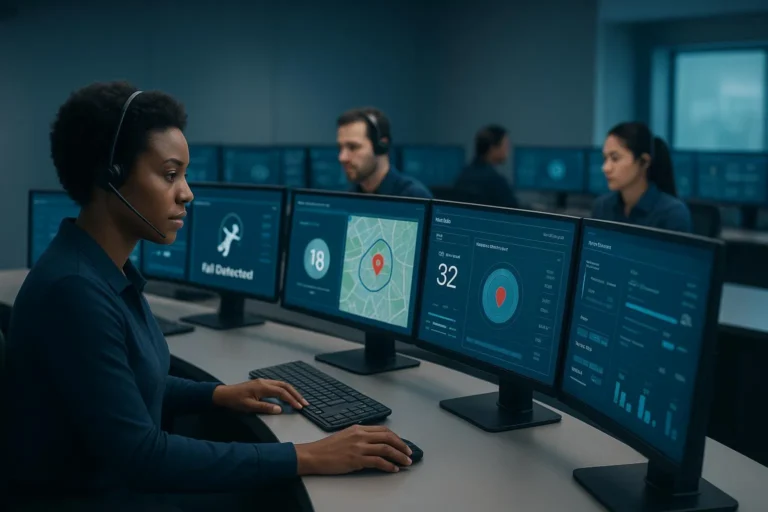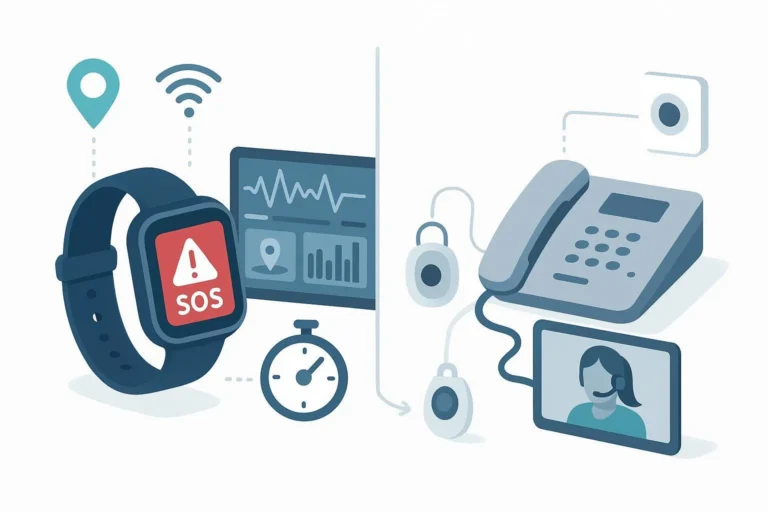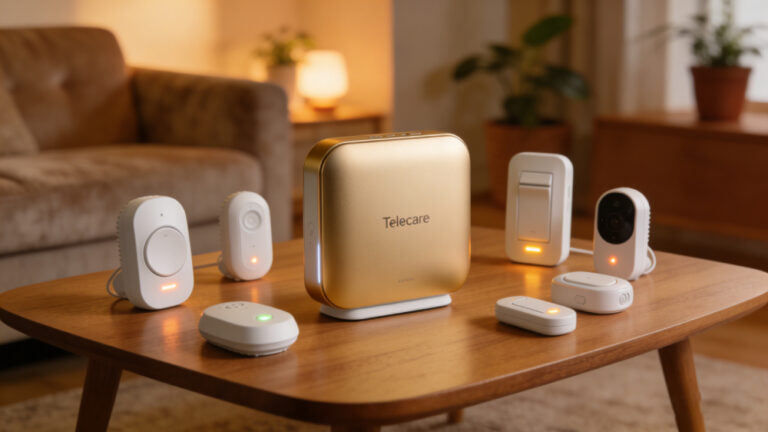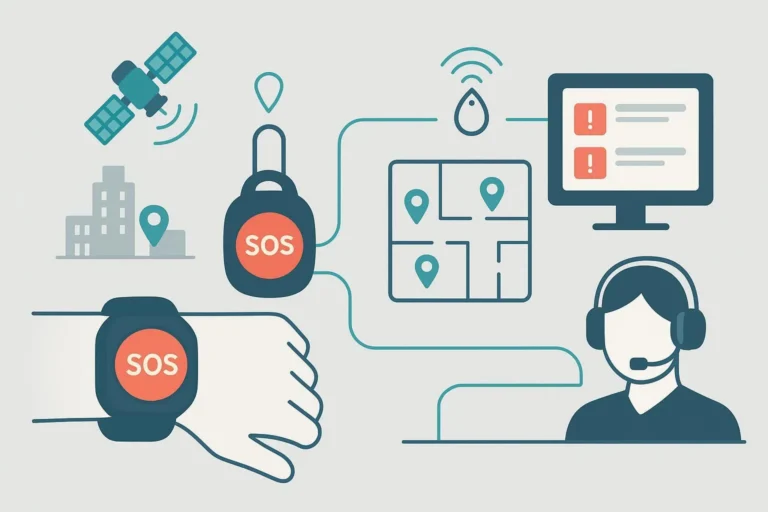
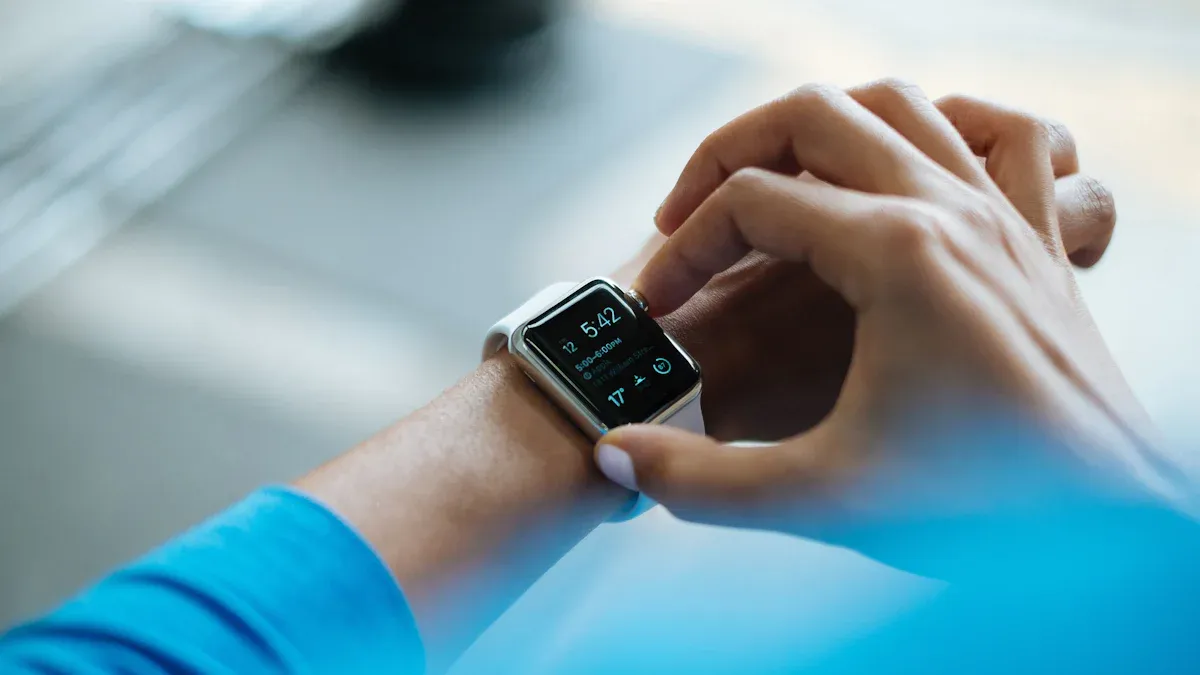
When you use GPS SOS watches, long-term support is very important. Good management makes sure these devices stay reliable and safe for users. You must think about how to keep the technology updated and working well over time. This planning not only makes the user experience better but also builds trust in the devices. A proactive way to maintain and support can greatly improve safety for people who depend on these watches.
Key Takeaways
- Good planning is very important for using GPS SOS watches. Know what users need to make sure the devices work for them.
- Budgeting is very important too. Balance the first costs of hardware with ongoing service fees to prevent surprise costs.
- Pick GPS SOS watches with important features like two-way communication and fall detection. This helps keep users safe and happy.
- Build strong partnerships with vendors. Choose vendors based on their reliability, support, and ability to work together for a smooth deployment.
- Use regular updates and user support plans. This keeps devices working well and users feeling safe.
Deployment Planning for GPS SOS Watches

Good planning is very important for using GPS SOS watches. You need to look at what your users need. This helps make sure the devices fit their needs. By doing this, you can find the best ways to use the watches and understand the risks for each group.
Assessing Needs
Target User Groups (elderly, lone workers, enterprise staff)
When using GPS SOS watches, think about the different groups of users:
- Elderly: These users need watches that are simple to use and send emergency alerts.
- Lone Workers: Workers in dangerous jobs need strong safety features, like fall detection and location tracking.
- Enterprise Staff: Companies may want watches that work with their current systems for monitoring.
Usage Scenarios and Risk Levels
It’s important to know how the watches will be used. For example, elderly users might need watches that can notice falls and send alerts. On the other hand, lone workers may need watches that track them in remote places. Knowing the risks for each situation helps you decide what features the watches need.
Indoor vs Outdoor Usage Expectations
Think about where the watches will be used. Indoor places might need different features than outdoor areas. For example, GPS might not work as well if there are walls. Make sure the watches work well in both places to meet what users expect.
Required Accuracy, Response Time, and Coverage
You also need to check how accurate the watches should be, how fast they respond, and how much area they cover. Users want quick and accurate location tracking, especially in emergencies. Look at what your building already has, like Wi-Fi and security systems, to see if you need upgrades for the watches.
Budgeting Resources
Budgeting is very important for planning. You have to balance the costs of buying hardware with ongoing service costs.
Initial Hardware Investment vs Ongoing Service Costs
Your starting costs will include one-time payments for hardware, software, and labor. But you also need to think about regular service fees for monitoring and support.
Connectivity Fees (LTE Data Plans, Roaming)
Connectivity fees can add up fast. You should think about the costs for LTE data plans and roaming charges if users travel a lot.
Platform and Software Licensing
Licensing fees for software can also affect your budget. Make sure to include these costs when planning.
Support and Maintenance Cost Forecasting
Lastly, plan for your support and maintenance costs. This includes extra expenses for support beyond basic agreements and training staff. By planning for these costs, you can avoid surprises later.
| Budgeting Factors | Description |
|---|---|
| Initial Setup Costs | One-time costs for hardware, software, and labor for deployment. |
| Recurring Service Fees | Ongoing monthly or yearly fees for monitoring, maintenance, and support. |
| Software License Fees | Costs for purchasing or renewing software licenses. |
| Customization and Integration | Expenses for tailoring solutions to business needs and integrating with existing systems. |
| Scalability Costs | Additional costs incurred as the business grows and requires more IT services. |
| Additional Support and Training | Costs for extra support beyond basic agreements and staff training. |
| Compliance and Security | Investments needed to meet industry standards and enhance security measures. |
| Backup and Disaster Recovery | Costs associated with backup solutions and disaster recovery plans. |
| Exit Costs | Potential expenses for transitioning away from a service provider if needed. |
By carefully checking needs and budgeting resources, you can make sure GPS SOS watches are deployed successfully and meet user expectations.
Procurement Strategies for Smartwatches
Choosing the right GPS SOS watch is very important. It helps keep users safe and happy. You should think about some key things when making your choice.
Selecting GPS SOS Watches
When looking at GPS SOS watches, pay attention to these features:
- Two-way voice communication: This lets users talk directly with emergency services or caregivers. It gives them comfort during emergencies.
- Secure wearing mechanisms: Make sure the watch cannot be easily removed. This is especially important for users with conditions like dementia.
- Device acceptance: Introduce the watch in a positive way. Show users its benefits to encourage them to use it regularly. Stress that it helps keep them safe, not just monitor them.
The table below shows important features and why they matter:
| Feature | Importance |
|---|---|
| Fall Detection | Alerts for falls automatically. This is crucial for elderly or health-risk users. |
| GPS Tracking | Allows exact location tracking for emergencies. |
| Emergency Contact Notification | Sends SOS alerts with location to chosen contacts. |
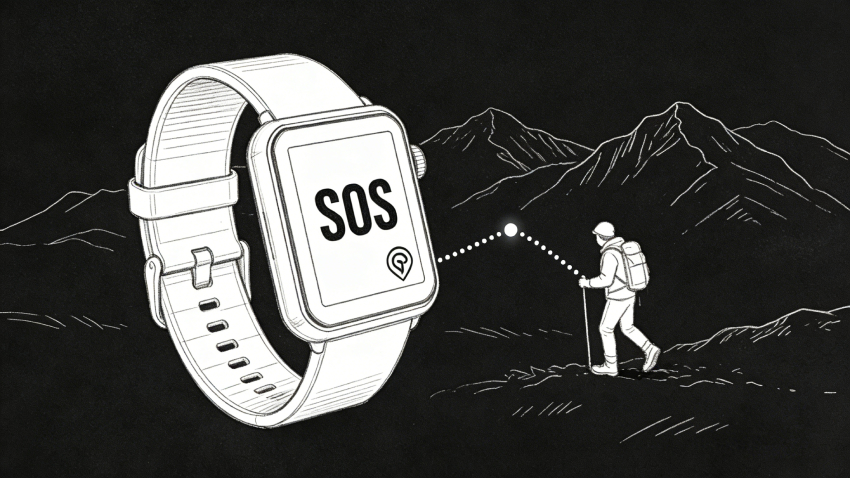
Imagine someone falls at home alone. The smartwatch notices the fall and alerts emergency contacts with location details. This ensures quick medical help. This SOS function greatly improves user satisfaction and safety.
Vendor Partnerships
Picking the right vendor is just as important as choosing the smartwatch. Check potential partners based on these points:
| Criteria | Description |
|---|---|
| Server Infrastructure | Look at how reliable the vendor’s servers and data centers are. |
| Real-time Performance | Check how well the system works during busy times. |
| Historical Data Retention | Think about how well the vendor keeps and analyzes past data. |
| Integration Capabilities | See if it works well with your current business systems. |
| Total Cost of Ownership | Look at all costs over time, including hardware and support. |
| Vendor Experience | Research the vendor’s background in GPS tracking. |
| Customer Retention Rates | Check how well the vendor keeps customers, which shows satisfaction. |
| Support and Training | Look at the support and training offered for effective use. |
A good vendor partnership can improve your buying strategy. Find vendors who provide installation help, easy-to-use software, and great customer service. These things help make deployment and ongoing support for your GPS SOS watches easier.
By carefully choosing both the right smartwatch and a trustworthy vendor, you can ensure a successful deployment that meets your users’ needs.
Long-Term Support and Maintenance
Long-term support is very important for GPS SOS watch success. You need to focus on regular maintenance and updates. This helps keep the devices working well and safe. Here are some good ways to manage long-term support.
Regular Updates
Regular updates help your GPS SOS watches work their best. You should plan these updates carefully to avoid problems. Here are some good practices to follow:
- Plan updates during quiet times to lessen user impact.
- Focus on important devices and spread out updates to prevent network overload.
- Check the update status and set up alerts for both successful and failed updates.
- Use security steps, like secure protocols and authentication, to stop unauthorized access.
- Make sure the network is stable during updates to reduce congestion.
- Save device settings before updating to prevent data loss.
- Test updates on a few devices first to find issues before a full rollout.
- Fix compatibility problems with integrations to ensure everything works smoothly.
By following these practices, you can make your devices more reliable and secure while meeting user needs.
User Support
Good user support is key for keeping users happy and trusting their GPS SOS watches. You should think about different support models to meet user needs well. Here’s a table showing some effective user support models:
| Support Model | Details |
|---|---|
| 24/7 Customer Support | Multilingual teams ready to help anytime. |
| On-Site Technician Availability | Needed for large deployments to provide quick support. |
| SLA Guarantees | Promises to respond in less than 2 hours for urgent issues. |
| Clinical Trials Validation | Products should show at least a 40% drop in patient wandering incidents. |
| Clinical Data Summaries | Preference for vendors that share summaries and case studies from trials. |
Providing strong user support has many benefits. It improves communication between patients, caregivers, and healthcare providers. This better communication helps coordinate care. Also, the device can collect and send personal health data, which supports personalized health management. You can track health indicators better, encouraging healthier habits among users.
Having a complete support strategy makes sure users feel confident using their GPS SOS watches. This confidence leads to better safety results and a more positive user experience.
Decommissioning GPS Tracking Devices
End-of-Life Considerations
When your GPS SOS watches are no longer useful, you need to dispose of them properly. This process includes a few important steps:
- Assess Device Condition: Check if the devices can be fixed or if they must be thrown away.
- Secure Data Erasure: Before throwing them away, make sure all user data is deleted to keep privacy safe.
- Follow Regulations: Follow local and national rules about how to dispose of electronic waste.
Doing this correctly helps protect the environment and keeps you within the law.
Data Management
Managing data is very important when getting rid of GPS SOS watches. You must delete all user data safely to stop unauthorized access. Here are some steps to take:
| Protocol/Standard | Description |
|---|---|
| NIST SP 800-88 | Guidelines for cleaning media, making sure data is erased safely. |
| DoD 5220.22-M | U.S. standard for data erasure, giving a trusted way to destroy data. |
| Certified ITAD Provider | Ensures secure handling and follows industry rules. |
| Certificates of Destruction | Papers that prove data destruction has been done. |
| Asset Tracking | Systems used to record and track the wiping process for audits. |
Besides managing data, think about how disposing of GPS SOS watches affects the environment. Throwing them away incorrectly can leak harmful materials like lead and mercury from circuit boards, which can harm soil and water. To reduce this risk, use recycling programs available in different places:
- Municipal e-waste programs: Many local governments have collection days or drop-off spots for small electronics.
- Retailer take-back programs: Stores like Best Buy and Staples accept old electronics, including GPS devices, for recycling.
- Licensed e-waste recyclers: Companies like EACR Inc. follow a zero-landfill policy and handle all parts properly.
By following these steps, you can ensure a responsible way to dispose of devices that protects both user data and the environment.
To sum up, good lifecycle management for GPS SOS watches is very important. You need to check what users need and budget wisely. Pick the right devices and build strong partnerships with vendors. Regular updates and user support make devices more reliable. Lastly, plan for safe disposal and data management. By using these strategies, you can greatly improve safety and how well everything works for all users.
Remember, being proactive leads to better results and builds trust in your safety solutions! 🚀
FAQ
What features should I look for in a GPS SOS watch?
Look for features like two-way voice calls, fall detection, and GPS tracking. These help keep users safe and allow quick help during emergencies.
How do I maintain GPS SOS watches?
Regularly update the software and check the battery life. Keep the devices clean and make sure they work well to stay reliable.
Can I customize the GPS SOS watch for my needs?
Yes, many vendors let you customize the watches. You can change features, alerts, and settings to meet specific user needs.
What should I do if a GPS SOS watch is lost?
Contact your service provider right away. They can help find the device using its GPS and assist in getting it back.
How do I ensure data privacy with GPS SOS watches?
Choose devices that follow data protection rules. Regularly check privacy settings and make sure to erase data securely when disposing of devices.