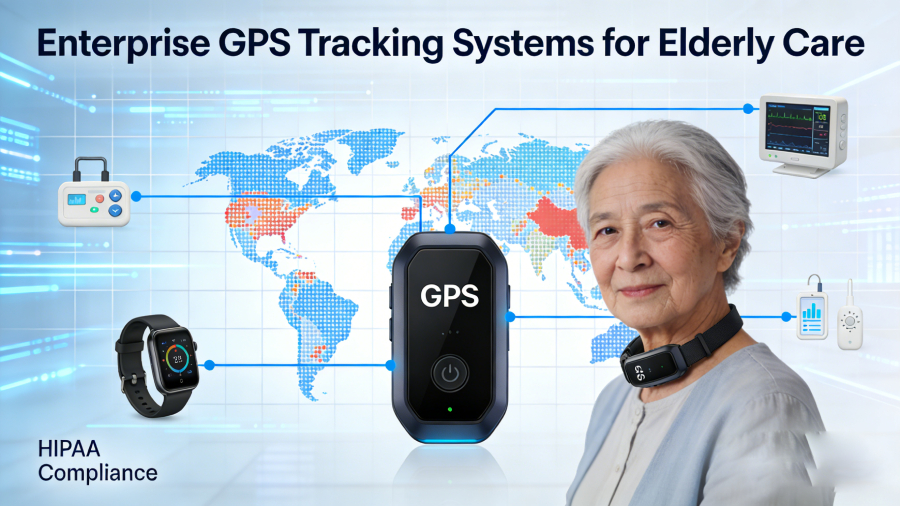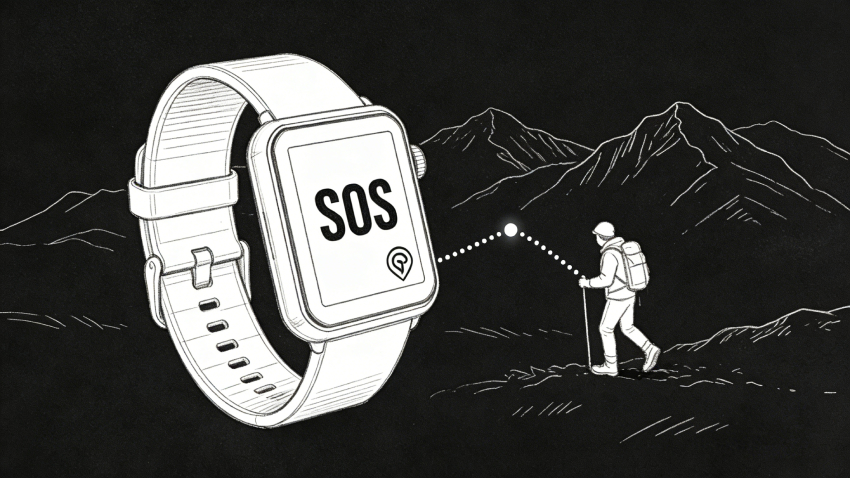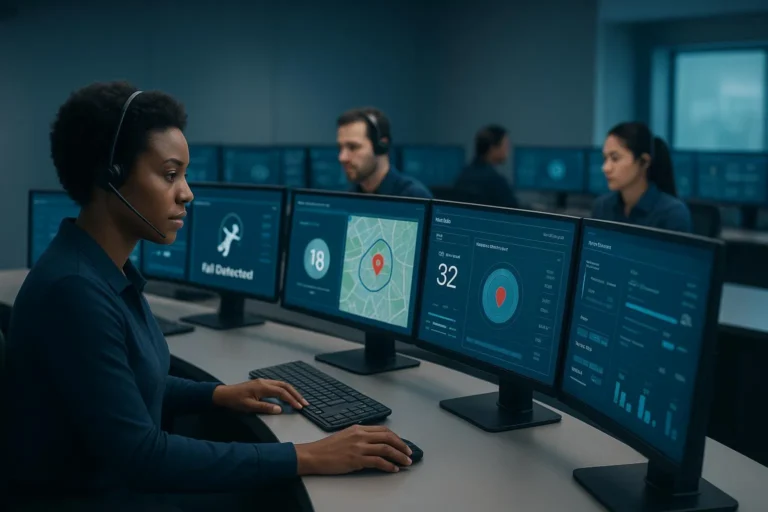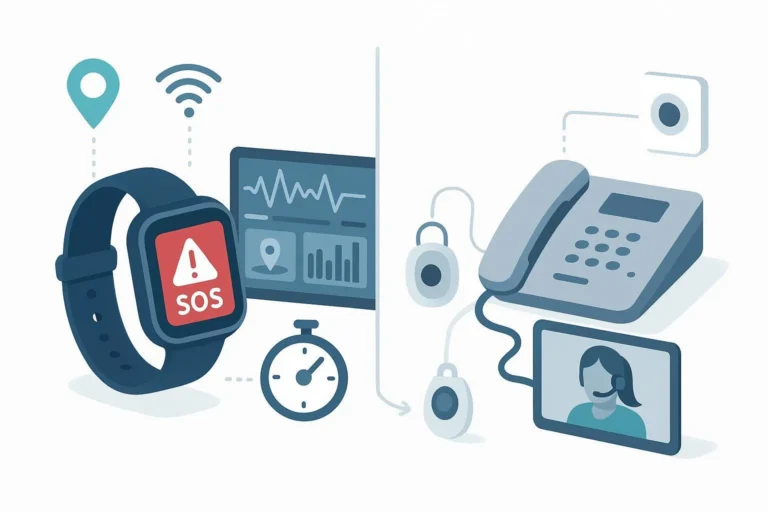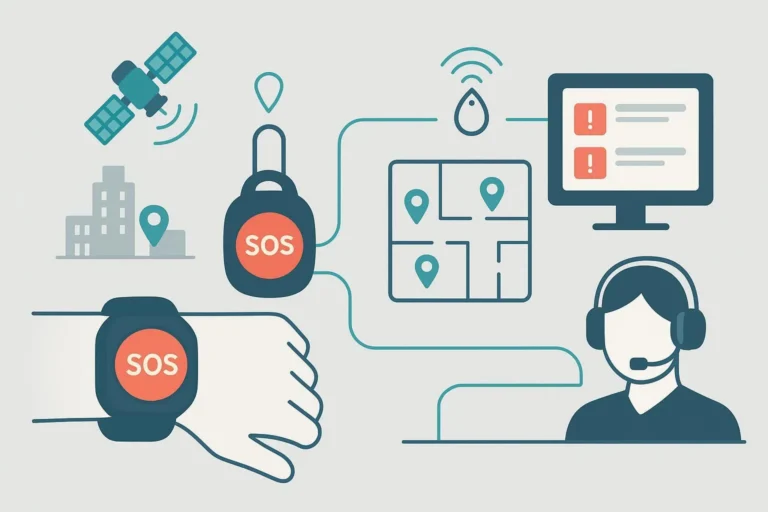
GPS SOS watches are very important for keeping elderly people safe. These devices help both seniors and their families feel secure. You depend on their accurate alerts in emergencies. System stability is key to make sure these watches work well. When you pick GPS SOS watch solutions, you care about your loved ones’ safety. They can have more freedom while knowing help is only a button press away.
Key Takeaways
- Pick GPS SOS watches that have a long battery life. This helps seniors who might forget to charge them.
- Find devices with good connectivity options. This prevents missed alerts, especially in places with weak signals.
- Choose watches that reduce false alarms. This helps caregivers stay alert during emergencies.
- Check the vendor’s reputation and customer support. This makes sure you pick a trustworthy GPS SOS watch for elderly care.
- Test GPS SOS watches carefully before using them widely. This builds trust and ensures they work well in real-life situations.
System Stability Requirements in Elderly Care Deployments
Connectivity
Typical charging cycles in elderly care environments
In elderly care places, charging devices can be hard. Many seniors forget to charge their devices. So, you should look for watches with long battery life. Some models can last from a few days to a week without charging. Here’s a quick look at battery life for different models:
| Model | Battery Life |
|---|---|
| Bay Alarm Medical SOS | 6 to 8 hours |
| Medical Guardian | Up to 5 days |
| Other models | Several days to a week |
Power management strategies for 24/7 monitoring
To keep monitoring all the time, you need good power management. Look for GPS SOS watches that have low-power modes. These modes help the battery last longer while keeping important functions. Also, consider devices that alert you when the battery is low. This way, you can recharge it before it dies.
Trade-offs between battery size and wearing comfort
When choosing a GPS SOS watch, you must think about battery size and comfort. Bigger batteries can last longer but make the watch heavy. Smaller batteries can be more comfortable but need charging more often. Pick a model that feels good on the wrist and still has good battery life.
Connectivity Stability in Indoor and Outdoor Scenarios
LTE coverage challenges in nursing homes and apartments
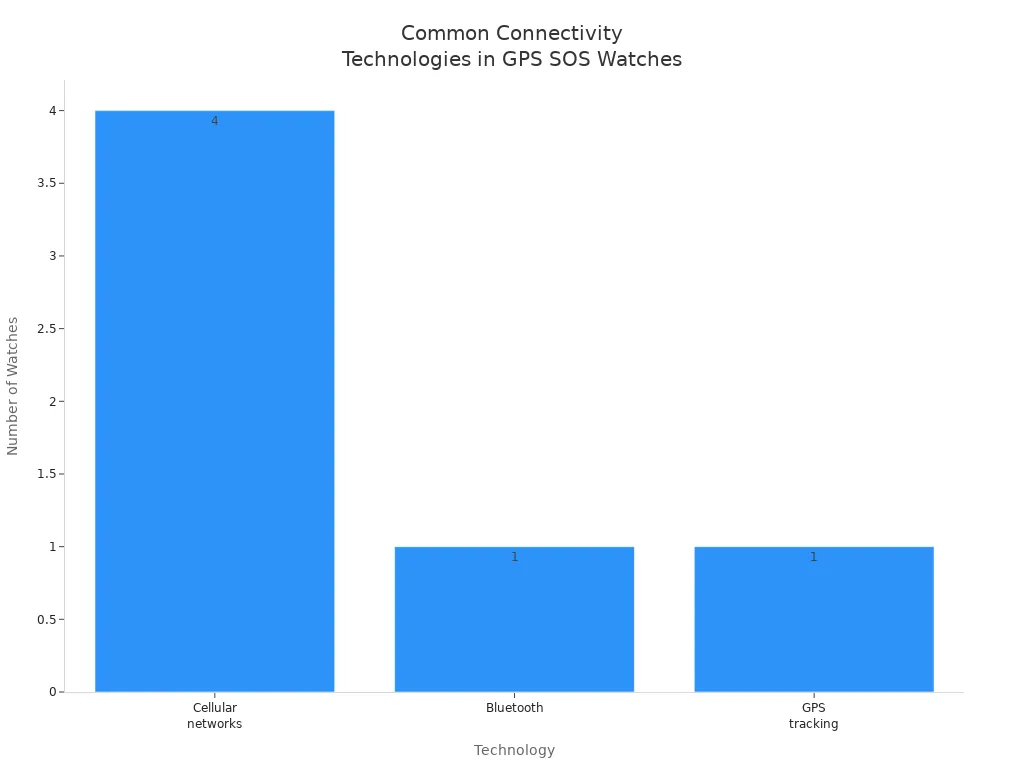
In many elderly care homes, LTE coverage can be weak. This can cause dropped calls or slow alerts in emergencies. You should choose GPS SOS watches that work with different connectivity options. This helps the device stay useful even in places with weak signals.
Indoor positioning limitations and mitigation strategies
Finding a location indoors can be hard because of walls and furniture. To fix this, look for watches with smart features like AI SmartPin. This tech uses Wi-Fi signals to help find locations better inside.
Impact of poor connectivity on emergency workflows
Bad connectivity can hurt emergency response times. If a watch can’t send an alert, help can be delayed when it’s needed most. So, you should pick GPS SOS watches that can use two networks. This lets the device switch between networks easily, making sure communication is reliable.
Importance of Alerts in GPS SOS Watch Solutions
Defining Alert Accuracy Beyond GPS Precision
Alert accuracy is very important for GPS SOS watches. You need alerts to show real emergencies. False alarms can tire out caregivers. When caregivers get tired, they might ignore alerts. This can put safety at risk. If a serious event happens and the system misses it, the results can be bad.
Here’s a quick look at how false alarms affect elderly care:
| Type of Alarm | Description | Impact on Elderly Care Outcomes |
|---|---|---|
| False Positive | An alert goes off without a real need or emergency. | Causes caregivers to get tired of alarms and ignore them. |
| False Negative | A serious event happens, but the system does not notice it. | Leads to missed important events, putting patient safety at risk. |
End-to-End Alert Delivery and Response Chains
You need to think about how alerts are sent and answered during emergencies. Good GPS SOS watch solutions use many ways to send alerts. This backup means if one way fails, others can still work. For example, alerts can go out by text, voice, or email. This makes communication more reliable in emergencies.
Average response times for alerts can differ. Some systems take about 20 seconds. Others take 25 to 30 seconds. The SOS Smartwatch connects to an agent in about 5 seconds. Fast response times can really help in critical situations.
Validation and Testing Before Large-Scale Rollout
Before using GPS SOS watches widely, you must test them well. You want to make sure the system works in real life. Testing can find any problems that might happen. By checking the system, you can gain trust from users and caregivers. This trust is very important for them to rely on the alerts from the devices.
Vendor Selection for GPS SOS Watch Solutions
Evaluating Reputation
When you choose a vendor for GPS SOS watch solutions, check their reputation closely. Start by looking at online reviews and ratings. These reviews show how well the systems work for others in similar situations. A study on digital health tools for elderly care found that older adults like wearables with bigger screens. They also want designs that are easy to use. This feedback is important when checking vendors because it shows how usability matters.
Think about these points when checking a vendor’s reputation:
- Usability: Make sure the device is simple for seniors to use.
- Caregiver App Capabilities: Look for features that help caregivers monitor the wearer well.
- Independent Research: Find vendors who have been checked by experts in aging services.
Customer Support Considerations
Customer support is very important for the reliability of GPS SOS watch solutions. You want a vendor that gives quick help to fix any problems. For example, the SOS Smartwatch has a built-in speaker and microphone. This allows two-way communication with trained dispatchers. This feature makes the watch more useful in emergencies.
Here are important customer support features to think about:
| Feature | Description |
|---|---|
| Emergency SOS | Quick access to an SOS feature for immediate help in emergencies. |
| GPS Tracking | Built-in GPS for location tracking during emergencies. |
| Fall Detection | Automatic alerts to contacts or emergency services if a fall is detected. |
| Intuitive User Interface | Simple navigation with large icons and easy menus for better use. |
| Large, High-Contrast Display | Important for visibility, especially in different lighting conditions. |
Also, make sure the vendor can respond to serious failures within two hours. This fast response time is key for keeping trust and reliability in emergencies.
By carefully checking vendor reputation and customer support, you can choose GPS SOS watch solutions that improve safety and peace of mind for the elderly.
Choosing dependable GPS SOS watch solutions is very important for better elderly care. These devices help keep the system stable, which affects how well they work. For example, if the response time is five seconds from pressing the button to sending an alert, it can really help in emergencies. Also, having accurate alerts is key to lowering false alarms. False alarms can tire out caregivers.
Picking the right vendor is just as important. A vendor’s experience and following rules can help older adults use technology better. By choosing these solutions, you help seniors stay independent while keeping them safe.
In short, focus on system stability, alert accuracy, and vendor reputation when picking GPS SOS watch solutions for elderly care.
FAQ
What features should I look for in a GPS SOS watch for seniors?
Look for features like fall detection, long battery life, and easy-to-use screens. Make sure the watch has good connectivity options and can send emergency alerts in different ways.
How do GPS SOS watches improve safety for the elderly?
GPS SOS watches track locations in real-time and give quick access to emergency help. They make seniors feel safe and let caregivers check on their health easily.
Can I customize the settings on a GPS SOS watch?
Yes, many GPS SOS watches let you change settings like emergency contacts, alert types, and how you get notifications. This helps the device fit your needs better.
How often should I charge a GPS SOS watch?
How often you charge it depends on the model and how you use it. Most GPS SOS watches need charging every few days to a week. Look for models with low-power modes to help the battery last longer.
What should I do if the GPS SOS watch fails to send an alert?
If the watch doesn’t send an alert, check the battery and connectivity. Make sure the device is set up correctly. If problems continue, contact customer support for help.