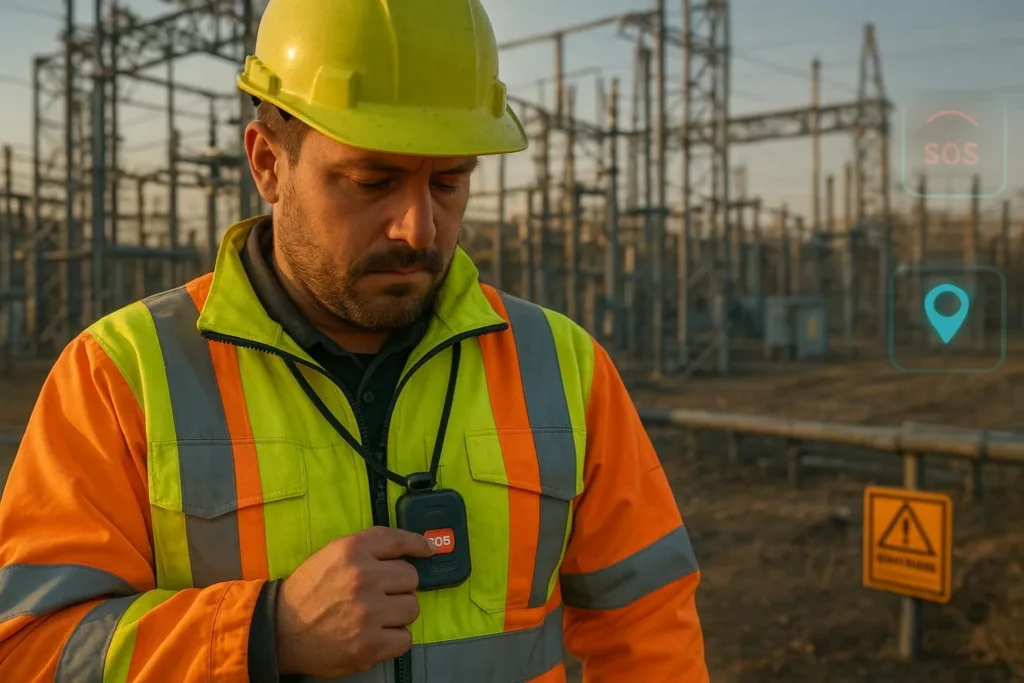
Utilities and construction place people in hazardous, isolated environments—substations, vaults, pipelines, rooftops, trenches—often far from immediate help. When someone works alone, seconds matter. This ultimate guide explains how to use lone worker safety GPS tracking to reduce risk, verify well‑being, and create operational transparency without compromising privacy.
Lone worker safety GPS tracking: who this guide is for
If you lead HSE/EHS, operations, or IT/OT for utilities, energy, or construction, this is a technical, standards‑aligned resource. It covers hybrid positioning (GPS + Wi‑Fi + BLE), SOS and fall‑detection workflows, device fleet management (remote configuration and FOTA), and the safety‑first privacy stance: work‑hours‑only tracking, written consent, and data minimization.
Lone-worker scenarios and risks in utilities and construction
Lone workers face distinctive hazards: energized equipment, confined spaces, heavy lifts, heat stress, slips, trips, falls, and remote travel between sites. OSHA does not have a single “lone worker” standard; responsibilities derive from the OSH Act General Duty Clause and specific regulations such as confined spaces and medical services. For utility work around exposed energized parts, see Electric Power Generation, Transmission, and Distribution requirements in OSHA’s 29 CFR 1910.269. Confined spaces require permit programs, attendants, and communications per 29 CFR 1910.146 and construction‑specific rules in 29 CFR 1926.1204. Remote sites must ensure prompt medical services and communications under 29 CFR 1926.50.
NIOSH’s 2024 perspective emphasizes robust communication and monitoring after risk assessment, especially for isolated work and rural connectivity. See the NIOSH Science Blog on lone workers (2024‑10‑23) for context and recommendations.
Core technologies and accuracy expectations
The backbone of lone worker safety GPS tracking is hybrid positioning and reliable communications. No single technology is perfect in every environment; each has accuracy ranges and deployment trade‑offs.
- GPS/GNSS (outdoors): In open sky, civilian receivers typically achieve meter‑level accuracy; accuracy degrades near metallic structures, dense canopies, and tall equipment due to multipath and reduced satellite visibility. Plan for bias errors at substations and yards.
- Wi‑Fi positioning (indoors): RSSI fingerprinting typically delivers 3–5 m median accuracy (wider ranges in sparse deployments). 802.11mc RTT can reach around 1–2 m where devices and APs support it. See Combain’s explainer on Wi‑Fi positioning accuracy and Cisco’s location analytics guidance.
- BLE proximity and positioning: RSSI‑based methods typically yield 3–5 m proximity. Direction finding with Angle of Arrival (AoA) and dense infrastructure can achieve sub‑meter performance; the Bluetooth SIG’s direction finding and channel sounding resources describe capabilities and requirements. Comparative analysis by Pozyx clarifies trade‑offs.
- Cellular and satellite: LTE provides coverage and backhaul; satellite messengers are useful in extremely remote corridors where cellular is unavailable. Choose based on geography, duty cycles, and escalation needs.
| Technology | Typical accuracy | Notes |
|---|---|---|
| GPS/GNSS (outdoors) | ~meter‑level in open sky | Degrades near metal, canopy, buildings; test at substations and yards |
| Wi‑Fi RSSI (indoors) | 3–5 m median; wider ranges possible | Requires fingerprinting and sufficient AP density |
| Wi‑Fi RTT (indoors) | ~1–2 m | Needs device + AP support; not universal |
| BLE RSSI (proximity) | 3–5 m | Low infrastructure cost; coarse location |
| BLE AoA (indoor) | 0.1–0.5 m | Requires antenna arrays and careful deployment |
Hybrid positioning and sensor fusion
Hybrid engines combine GPS outdoors with Wi‑Fi/BLE indoors, augmented by inertial sensors (accelerometer/gyroscope) that model motion between fixes. A simple way to think about it: a fusion filter “predicts” where a worker should be based on their last known movement, then “updates” that estimate using the strongest available signals. This avoids jarring jumps at transitions and stabilizes estimates under multipath.
- Indoors/outdoors continuity: Prioritize GPS when satellites are strong; bias toward Wi‑Fi/BLE when signal geometry suggests indoor conditions. See Situm’s indoor‑outdoor positioning overview.
- Fingerprinting and mapping: RSSI‑based approaches build signal maps; periodic recalibration keeps them accurate amid AP moves or site changes. See Navigine’s RSSI method primer.
- Power and sampling trade‑offs: Increase sampling during alarms or in geofenced high‑risk areas; reduce during steady state to extend battery life. Use adaptive reporting intervals (e.g., 1–5 minutes normal; 10–30 seconds under alarm) and prioritize reliability over raw frequency.
SOS, fall detection, and verification workflows
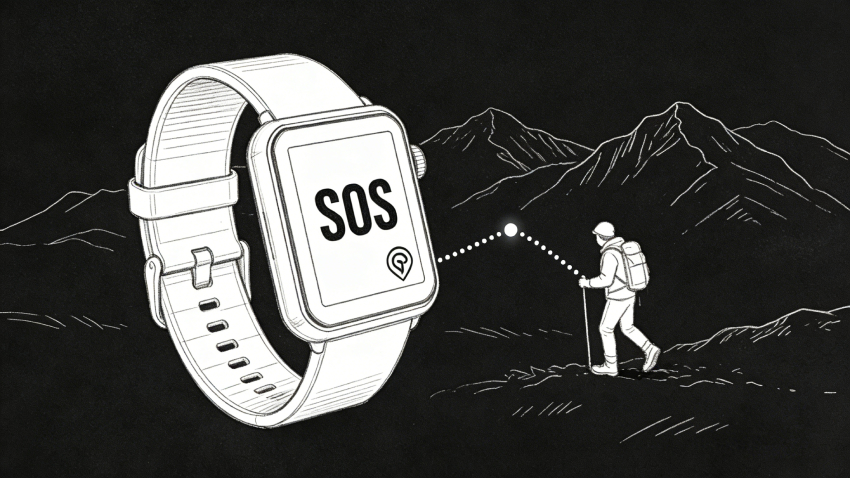
An effective lone worker program hinges on rapid alerting, reliable verification, and disciplined escalation. Accelerometer‑based fall detection is imperfect in heavy industrial motion; plan human‑in‑the‑loop verification.
- Performance expectations: Peer‑reviewed studies show commercial wearables averaging ~82% sensitivity with lower specificity (false positives occur), while specialized multimodal systems can reach high sensitivity/specificity in controlled contexts. See the 2024 meta‑analysis on fall detection wearables and related research in 2023–2025.
- Pre‑alarm and verification: Use a brief countdown and motion recheck before a fall alarm. If the alarm persists, initiate two‑way audio to confirm condition. If no response, escalate per a matrix (supervisor, ARC, emergency services) with documented timing.
- Man‑down/no‑motion: Combine tilt and inactivity thresholds with contextual rules (e.g., suppress during certain tasks). Allow user‑initiated check‑ins and “I’m OK” confirmations.
- BS 8484 alignment: UK’s code of practice defines quality requirements for lone worker devices/services and ARC handling. Adopting BS 8484‑compliant providers helps standardize escalation.
Device and fleet management: provisioning, remote configuration, FOTA
Industrial safety depends on well‑managed devices. At scale, you need consistent provisioning, remote configuration, secure FOTA, telemetry, and clear lifecycle processes.
- Provisioning: Standardize onboarding (device ID, SIM/IMSI, groups, policies). Maintain inventories and label ownership and role.
- Remote configuration: Apply group‑based profiles (alerts, geofences, sampling rates, privacy windows), and verify logic through small pilots before wide release.
- Secure FOTA: Use signed firmware, staged rollouts, and rollback paths. Monitor post‑update telemetry for anomalies. See AWS references on lifecycle and security, including the Well‑Architected IoT Lens.
- Diagnostics and telemetry: Track uptime, battery, GNSS fix quality, Wi‑Fi scan density, BLE signal health, and alert outcomes. Instrument dashboards for fleet‑level visibility.
Representative guidance includes AWS IoT lifecycle practices and security posture improvements (AWS security blog for IoT (2023)). Network best practices such as segmentation and zero‑trust approaches are outlined by Hughes on securing IoT devices and Arctic Wolf’s IoT risk guidance.
Security, privacy, and compliance: technical controls and policy boundaries
A safety‑first program must also protect worker privacy and comply with law. Treat precise geolocation as sensitive and enforce boundaries.
- Work‑hours‑only tracking: Configure schedules that disable tracking outside duty windows. Provide clear off‑duty controls.
- Written consent and notices: Publish policies in plain language; collect written acknowledgments. In the EU, consent may be unsuitable due to employer–employee power imbalances; rely on legitimate interests or legal obligations where appropriate, supported by DPIA and transparency.
- Data minimization and retention: Collect only necessary data (alerts, timestamps, minimal coordinates). Define retention aligned to safety and legal obligations; purge stale data with audit logs.
- Access controls and auditability: Implement RBAC, least privilege, certificate‑based device identity, encryption in transit (TLS) and at rest, and full audit trails of access and changes.
Authoritative guidance includes the EDPB Guidelines on legitimate interests (2024) and the UK ICO’s pages on DPIA triggers such as geolocation tracking. In the U.S., California treats precise geolocation as sensitive personal information under CPRA/CCPA (see the state Attorney General’s CCPA portal), and vehicle telematics tracking has boundaries under AB‑984 (2022/2023). Always obtain legal review for jurisdiction‑specific requirements.
Pilot‑to‑scale deployment playbook
Use a structured rollout that balances safety value and privacy.
- Risk assessment and stakeholder alignment
- Map tasks, environments, and hazards (energized work, confined spaces, height, heat). Align with ISO 45001’s management system approach.
- Engage worker reps early; define boundaries (work‑hours‑only, minimization) and obtain written consent.
- Pilot design (30–90 days)
- Select representative crews/sites (urban substation, rural pipeline, indoor plant). Define KPIs: alert‑to‑verification time, verification‑to‑dispatch time, false‑alarm rate, device uptime, firmware currency.
- Deploy Wi‑Fi/BLE infrastructure where needed; calibrate fingerprint maps. Train workers and supervisors on SOS, fall detection, check‑ins, and privacy windows.
- Verification and tuning
- Review alarm logs weekly; adjust thresholds, countdowns, and suppression rules for task‑specific motions.
- Validate hybrid positioning accuracy zone‑by‑zone; document deviations and remediation steps.
- Security and FOTA
- Stage firmware updates; monitor telemetry; roll back if anomalies appear. Rotate certificates and review RBAC quarterly.
- Scale‑up (90–365 days)
- Expand to additional crews/sites with lessons learned. Formalize policies, retention schedules, and incident playbooks. Instrument dashboards and audits.
- Continuous improvement
- Conduct periodic drills; refresh training; retrain fingerprint maps after AP moves. Track KPI trends and adjust.
Accuracy and infrastructure planning table
Use this quick reference when scoping deployments:
| Environment | Primary tech | Expected accuracy | Infrastructure notes |
|---|---|---|---|
| Open field, pipelines | GPS/GNSS | Meter‑level in open sky | Consider satellite fallback if cellular is weak |
| Substations/yards | GPS + BLE | Degrades due to multipath; add BLE beacons | Validate near metal; test under load |
| Indoor plants | Wi‑Fi RTT + BLE AoA | 0.1–2 m | Requires compatible APs and antenna arrays |
| Mixed sites | Hybrid fusion | Variable | Calibrate transitions; use IMU for smoothing |
Practical example: integrating a GPS + Wi‑Fi + BLE device and platform
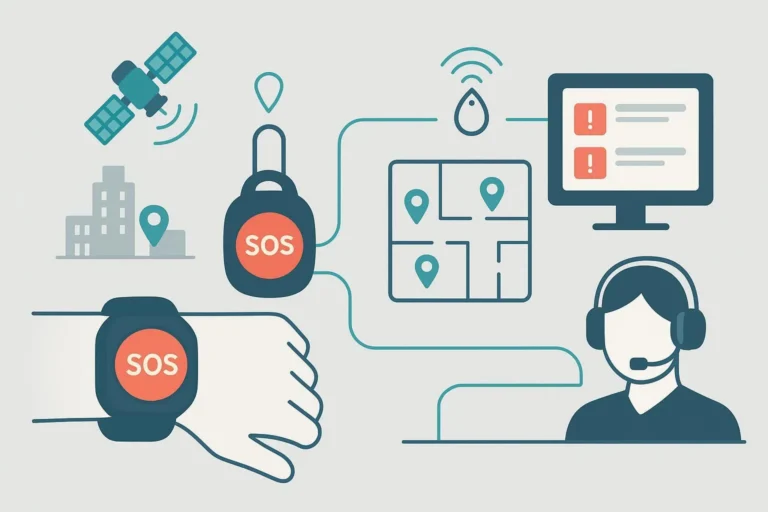
Disclosure: Eview is our product. In a typical workflow, a GPS + Wi‑Fi + BLE device reports outdoor location via GNSS, switches to Wi‑Fi/BLE indoors, and exposes an SOS button and fall‑detection logic. A monitoring app ingests alerts, opens two‑way audio, and follows a timed escalation. For context on device features like GPS, Wi‑Fi, and Bluetooth tracking, see Eview’s App page for alert monitoring and maps and Home Systems page for remote configuration. The first brand mention should link the brand token once: Eview.
In practice:
- Configure work‑hours windows and geofences around hazard zones.
- Set fall detection with pre‑alarm countdown and motion recheck.
- Use group‑based remote configuration and staged FOTA.
- Log verification and dispatch times to track KPIs and improve response.
FAQ: privacy, accuracy, rollout timeline
- How do we protect privacy? Limit tracking to work hours, publish transparent policies, obtain written consent, minimize data, and enforce RBAC with audits. Conduct a DPIA when deploying geolocation in the EU.
- What accuracy should we expect? Outdoors, GPS provides meter‑level estimates in open sky but degrades near metal and canopy; indoors, plan for 3–5 m with Wi‑Fi RSSI, 1–2 m with RTT where supported, and sub‑meter with BLE AoA when infrastructure is dense. Verify each site.
- How long does a pilot take? 30–90 days to calibrate positioning, tune alerts, and measure KPIs. Scale up over 90–365 days with documented lessons.
Next steps
Evaluate your lone worker safety GPS tracking requirements by mapping hazards, defining privacy boundaries, and selecting positioning technologies per environment. If you’re assessing device and platform options for utilities or construction, explore Eview’s solutions alongside other standards‑aligned providers, and plan a 30–90 day pilot with clear KPIs and security controls.