Medical Alert Devices With GPS and Fall Detection: Elderly Care Buyer Guide
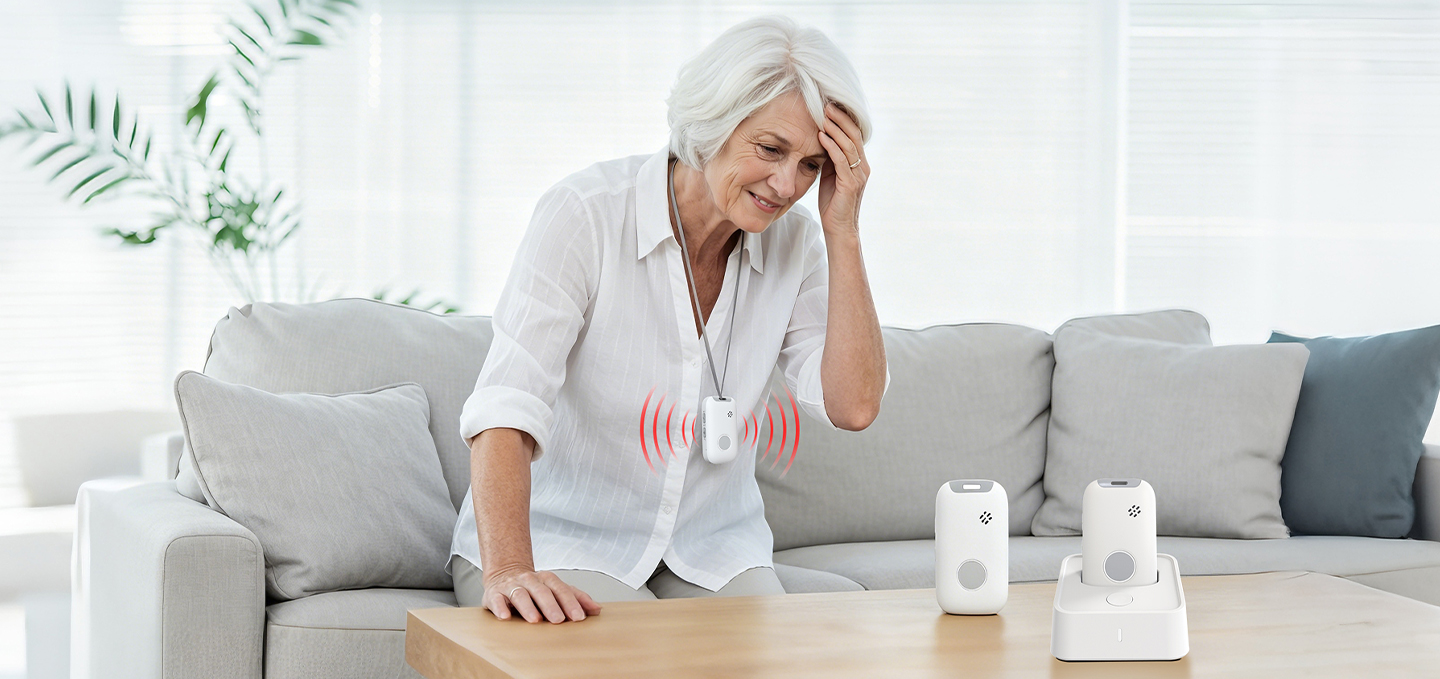
The demand for safer and more connected elderly care solutions is increasing as healthcare providers, senior care organizations, and families look for better ways to support independent living.
Traditional emergency buttons were mainly designed for fixed locations. Modern medical alert devices have evolved into connected safety solutions that combine wearable hardware, mobile communication, location technology, and intelligent safety features.
Today, medical alert devices can support:
Emergency assistance
Elderly safety monitoring
Independent living programs
Telecare solutions
Remote caregiver support
For organizations evaluating medical alert devices, the key question is not simply:
“What features does the device have?”
The more important question is:
“Can this device support a reliable safety workflow for real users?”
This guide explains how medical alert devices work, how GPS and fall detection improve safety, and what businesses should consider when selecting solutions for elderly care and connected healthcare applications.
What Should You Look for in Medical Alert Devices?
A suitable medical alert device should provide:
Easy emergency activation
Reliable communication
Accurate location support
Fall detection capability
Comfortable daily wear
Long battery life
Simple charging experience
User-friendly operation
Support for caregiver workflows
For elderly users, simplicity is often more important than having too many functions.
A successful senior safety device should be easy to understand, comfortable to wear, and reliable during emergencies.
Key takeaway: The best medical alert devices balance advanced technology with everyday usability.
What Are Medical Alert Devices?
Medical alert devices are connected safety products designed to help users request assistance during emergency situations.
They are commonly used in:
Elderly care programs
Independent living services
Telecare solutions
Healthcare monitoring
Personal safety applications
A modern medical alert device may include:
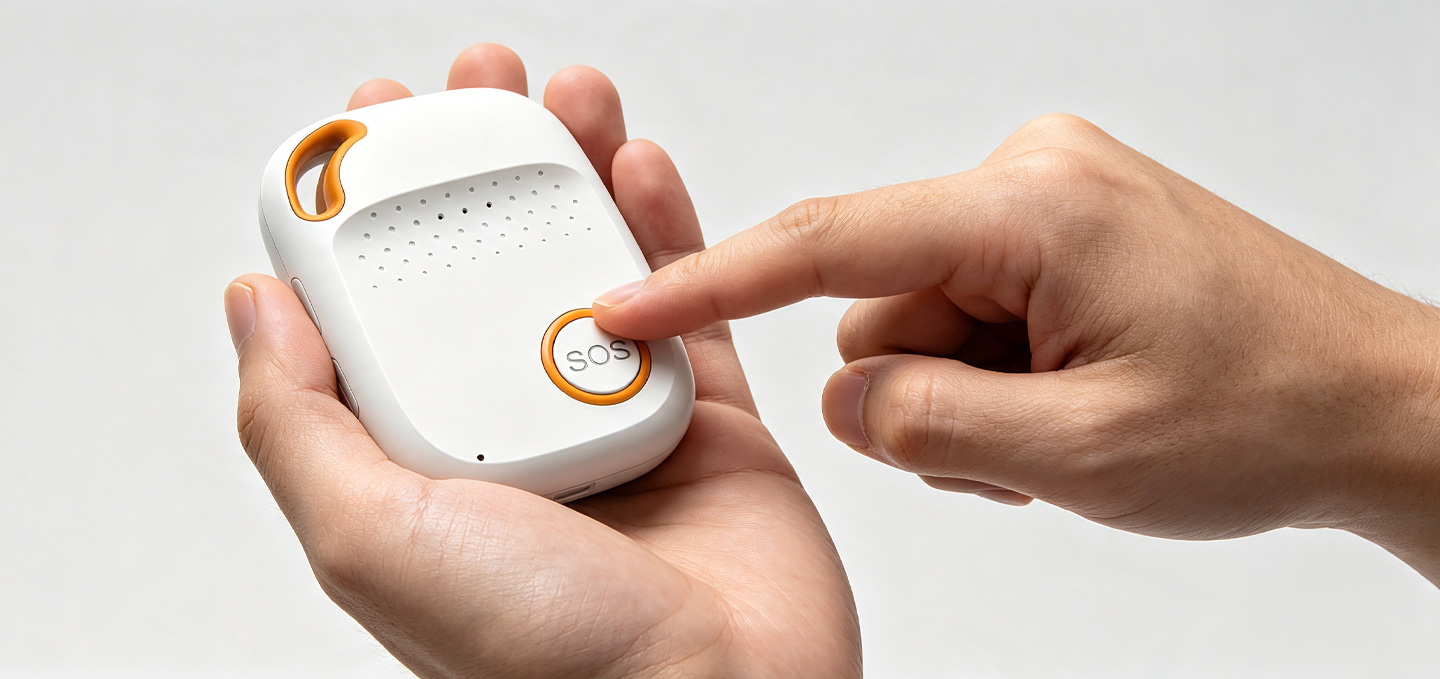
SOS emergency button
Cellular connectivity
GPS location tracking
Two-way voice communication
Fall detection
Battery monitoring
Remote management functions
Unlike traditional emergency buttons, modern medical alert devices are designed to support users both inside and outside the home.
This makes them useful for:
Seniors living independently
Residents in senior communities
Users with mobility concerns
People requiring additional safety support
How Do Medical Alert Devices Work?
A typical medical alert device follows three main steps.
1. Emergency Activation
The user activates the device through:
Manual SOS button
Automatic fall detection
Other configured safety events
2. Data Transmission
The device sends relevant information, such as:
Emergency type
User identity
Device status
Location information
3. Response Support
The connected system allows caregivers, monitoring teams, or emergency contacts to:
Understand the situation
Contact the user
Provide assistance
Follow the defined response process
For healthcare and elderly care organizations, the value of medical alert devices comes from the complete safety workflow rather than the hardware alone.
Medical Alert Device vs Medical Alert System: What Is the Difference?
Many people use “medical alert device” and “medical alert system” as if they mean the same thing.
However, they represent different levels of a safety solution.
What Is a Medical Alert Device?
A medical alert device refers mainly to the physical product.
Examples include:
Medical alert watches
Emergency pendants
Wearable SOS devices
Elderly emergency buttons
The device is the part the user interacts with directly.
What Is a Medical Alert System?
A medical alert system includes the complete service environment.
It may include:
Hardware device
Communication network
Monitoring platform
Caregiver application
Emergency response workflow
Comparison: Medical Alert Device vs Medical Alert System
Category
Medical Alert Device
Medical Alert System
Main purpose
Emergency interaction
Complete safety service
Main component
Hardware product
Hardware + software + response process
User
Individual user
User, caregiver, service provider
Example
SOS watch
Connected care platform
For individual users, the device may be the main consideration.
For healthcare companies, the complete system is usually more important.
Key takeaway: A medical alert device is one part of a complete medical alert system.
PERS vs mPERS: What Is the Difference?
PERS and mPERS are closely related technologies used for emergency response.
Understanding their differences helps organizations select the right solution.
What Is PERS?
PERS stands for Personal Emergency Response System.
Traditional PERS solutions are usually designed for fixed environments.
Typical applications include:
Home care
Senior living facilities
Fixed emergency response scenarios
What Is mPERS?
mPERS stands for mobile Personal Emergency Response System.
mPERS adds mobility through technologies such as:
Cellular communication
GPS positioning
Wearable designs
This allows users to receive safety support beyond a fixed location.
PERS vs mPERS Comparison
Category
PERS
mPERS
Mobility
Mainly fixed locations
Indoor and outdoor mobility
Location
Limited
GPS and hybrid positioning
Connectivity
Home-based
Cellular-based
Device type
Pendant/button
Watch/wearable/mobile device
Common users
Home users
Mobile seniors and care users
For organizations developing independent living technology, mPERS provides additional flexibility for users who remain active outside the home.
Key takeaway: mPERS extends traditional emergency response into mobile and connected care environments.
GPS Medical Alert Devices: How Location Technology Improves Safety
Location capability is one of the most important developments in modern medical alert devices.
A GPS medical alert device can help caregivers and response teams understand where assistance may be needed.
This is especially valuable for:
Seniors living independently
Users with mobility risks
Outdoor activities
Community-based care programs
Why GPS Matters for Elderly Safety
Safety concerns are not limited to the home.
An elderly user may need assistance:
Walking outdoors
Visiting public areas
Moving around a senior community
Traveling between locations
A GPS medical alert device can provide important location information during emergency situations.
GPS Is Not Always Enough Indoors
GPS works well in outdoor environments, but indoor locations can be more challenging.
Medical alert devices may combine multiple positioning methods:
Technology
Common Application
GPS/GNSS
Outdoor positioning
Wi-Fi positioning
Indoor environments
Bluetooth positioning
Local indoor areas
Cellular positioning
Network-based location support
A combination of technologies can improve location availability across different environments.
Fall Detection Devices: How Automatic Alerts Improve Safety
A fall detection device uses sensors and algorithms to identify possible falls and trigger emergency alerts automatically.
This feature is especially valuable for elderly users who may not always be able to manually press an emergency button.
Why Fall Detection Matters
After a fall, some users may experience:
Difficulty moving
Physical limitations
Confusion
Inability to reach the device
Automatic fall detection provides an additional safety layer.
How Does a Fall Detection Device Work?
Depending on the product design, fall detection may use:
Accelerometers
Gyroscopes
Motion analysis
Sensor-based algorithms
The system evaluates movement patterns and determines whether an event may represent a fall.
How Should Businesses Evaluate Fall Detection?
Before selecting a fall detection device, organizations should consider:
Detection performance
False alarm management
User cancellation options
Battery impact
Device wearing position
A responsible medical alert device manufacturer should clearly explain both the capabilities and limitations of fall detection technology.
Key takeaway: Fall detection works best as part of a complete emergency response system.
Medical Alert Watch vs Emergency Pendant: Which Device Format Is Better?
Different users may prefer different medical alert device formats.
The two common options are:
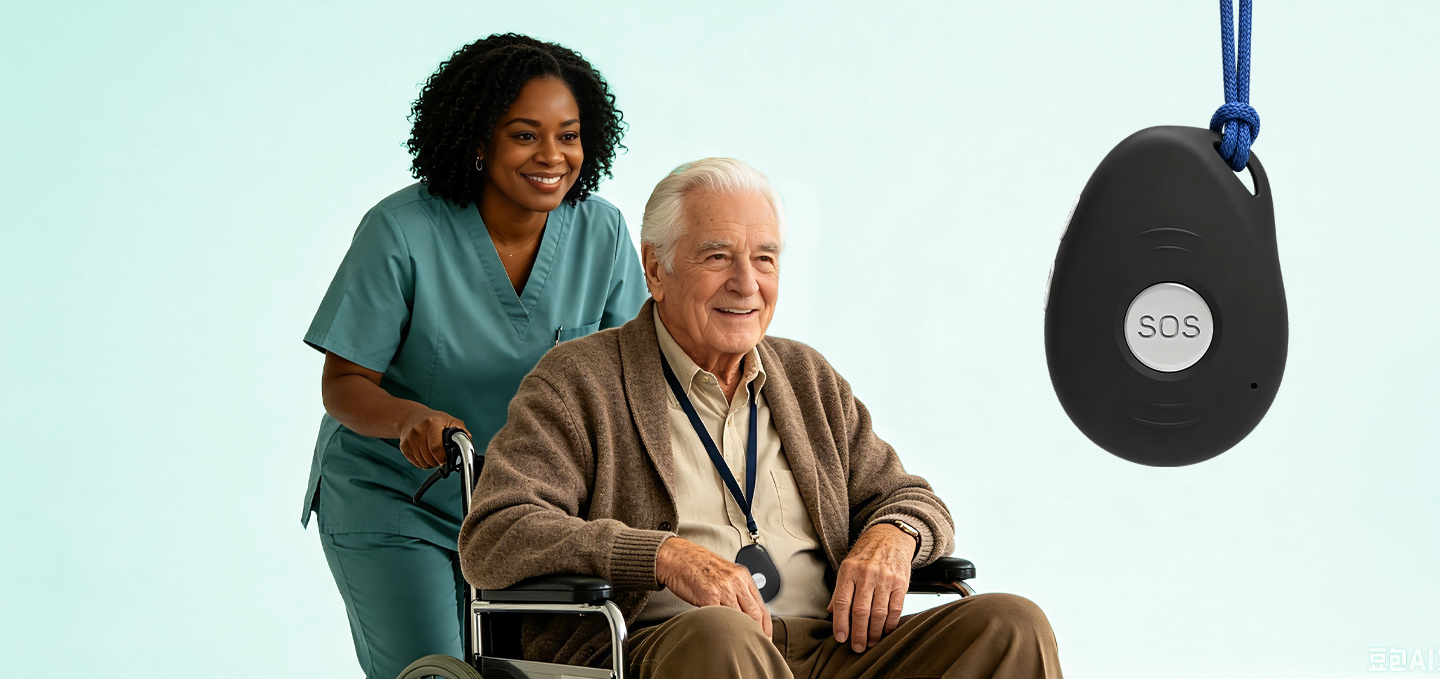
Medical alert watches
Emergency pendants
Medical Alert Watch
A medical alert watch combines safety functions with a familiar wearable format.
Advantages:
Easy daily wearing
More integrated features
Familiar user experience
Suitable for active seniors
Emergency Pendant
Emergency pendants focus on simplicity.
Advantages:
Easy emergency access
Lightweight design
Simple operation
Suitable for users prioritizing basic safety functions
Comparison
Category
Medical Alert Watch
Emergency Pendant
Wearing style
Wrist wearable
Necklace/clip style
User familiarity
Similar to smartwatch
Dedicated safety device
Functions
More integrated
Focused emergency use
Best for
Active users
Simplicity-focused users
The right format depends on:
User habits
Mobility level
Safety requirements
Care program design
Key Features to Evaluate in Medical Alert Devices
When selecting medical alert devices, businesses should evaluate the features that directly affect user safety.
Emergency Button Design
Important considerations:
Button size
Activation method
Feedback confirmation
Accidental activation prevention
An elderly emergency button should be easy to identify and operate.
Battery Performance
Battery life affects device availability.
Evaluate:
Battery capacity
Charging method
Low battery alerts
Charging frequency
A device that is difficult to maintain may reduce long-term usage.
Voice Communication
Two-way communication allows users and responders to communicate.
Consider:
Speaker quality
Microphone performance
Connection stability
Connectivity
Depending on the application, medical alert devices may use:
Cellular networks
GPS
Bluetooth
Wi-Fi
The right approach depends on the deployment environment.
Key takeaway: Device selection should focus on real user needs, not only technical specifications.
Medical Alert Devices for Elderly Care and Independent Living
Medical alert devices support the development of modern aging care technology.
They help organizations provide safety while allowing seniors to maintain independence.
Supporting Independent Living Technology
Independent living technology focuses on helping seniors live safely with more confidence.
Medical alert devices can support:
Emergency communication
Safety monitoring
Caregiver connection
Location awareness
Senior Safety Devices in Aging Care
Modern senior safety devices combine:
Wearable technology
Remote monitoring
Communication systems
Care workflows
For elderly care organizations, these devices can become part of a broader connected care strategy.
How Businesses Select the Right Medical Alert Device
Healthcare companies and senior care providers should evaluate several factors before deployment.
Understand the User Scenario
Consider:
User age
Mobility level
Living environment
Care requirements
Evaluate Technology Requirements
Review:
Location needs
Communication requirements
Fall detection expectations
Battery requirements
Consider Future Scalability
For larger programs, evaluate:
Device management
Technical support
Product availability
Customization options
Organizations working with an experienced medical alert device supplier or mPERS manufacturer can better align hardware capabilities with service requirements.
Common Mistakes When Selecting Medical Alert Devices
Choosing Too Many Features
More features do not always create better results.
Too many functions may increase:
User confusion
Battery consumption
Training requirements
Ignoring User Experience
A technically advanced device may fail if users do not want to wear it.
Consider:
Comfort
Weight
Appearance
Ease of use
Evaluating Only Specifications
Real-world performance matters.
Businesses should consider:
Testing environments
User feedback
Daily operation
Why Work With an Experienced Medical Alert Device Manufacturer?
For healthcare companies and telecare providers, choosing an experienced partner can improve product development and deployment.
A qualified medical alert device manufacturer can support:
Product customization
Application-specific requirements
Hardware development
Technical discussions
Long-term cooperation
An experienced mPERS manufacturer understands the relationship between:
Device design
User needs
Communication requirements
Safety workflows
Eview focuses on smart safety wearables and mPERS-related solutions for applications including elderly care, personal safety, and connected safety programs.
Companies evaluating medical alert devices can consider factors such as:
Target users
Required functions
Deployment environment
Future service needs
Frequently Asked Questions
What is a medical alert device?
A medical alert device is a connected safety product that allows users to request assistance during emergencies.
Can a medical alert device work without WiFi?
Yes. Many medical alert devices use cellular communication instead of relying only on WiFi. The exact connectivity method depends on the product design.
Do GPS medical alert devices require a monthly fee?
Some solutions require cellular service or monitoring services, while others may use different service models depending on the application.
What is the difference between GPS and cellular medical alert devices?
GPS provides location information, while cellular connectivity allows the device to communicate with platforms, caregivers, or monitoring services.
How long does a medical alert device battery last?
Battery life depends on:
Device design
Communication frequency
Location updates
Sensor activity
User behavior
Can medical alert devices be customized for healthcare companies?
Yes. B2B projects may require customization such as:
Branding
Device configuration
Accessories
Software integration
What is the difference between medical alert devices and mPERS devices?
mPERS devices are a category of mobile personal emergency response solutions designed for users who need safety support beyond fixed locations.
How do businesses choose a medical alert device supplier?
Companies should evaluate:
Product capability
Technical support
Customization options
Manufacturing experience
Long-term cooperation ability
About This Guide
This guide is based on practical considerations involved in evaluating smart safety hardware, medical alert devices, and connected care solutions.
Eview specializes in smart wearable safety technology, mPERS solutions, and connected safety hardware development for healthcare, elderly care, and personal safety applications.